Page 19;&(%$*4.8"4,7%<'*#$"&8#=%/7*,#*%4,77%>?@@@?@AA?BCDC1Item 64684
EF;6GHIJ6KFGLIMNFLMG6MFMO6 E6GPJ
G(&'+7*#.&&$"83
J(&+7*5 J&##"+7*%O,'#*# T"_*7V%E&7'$"&8#
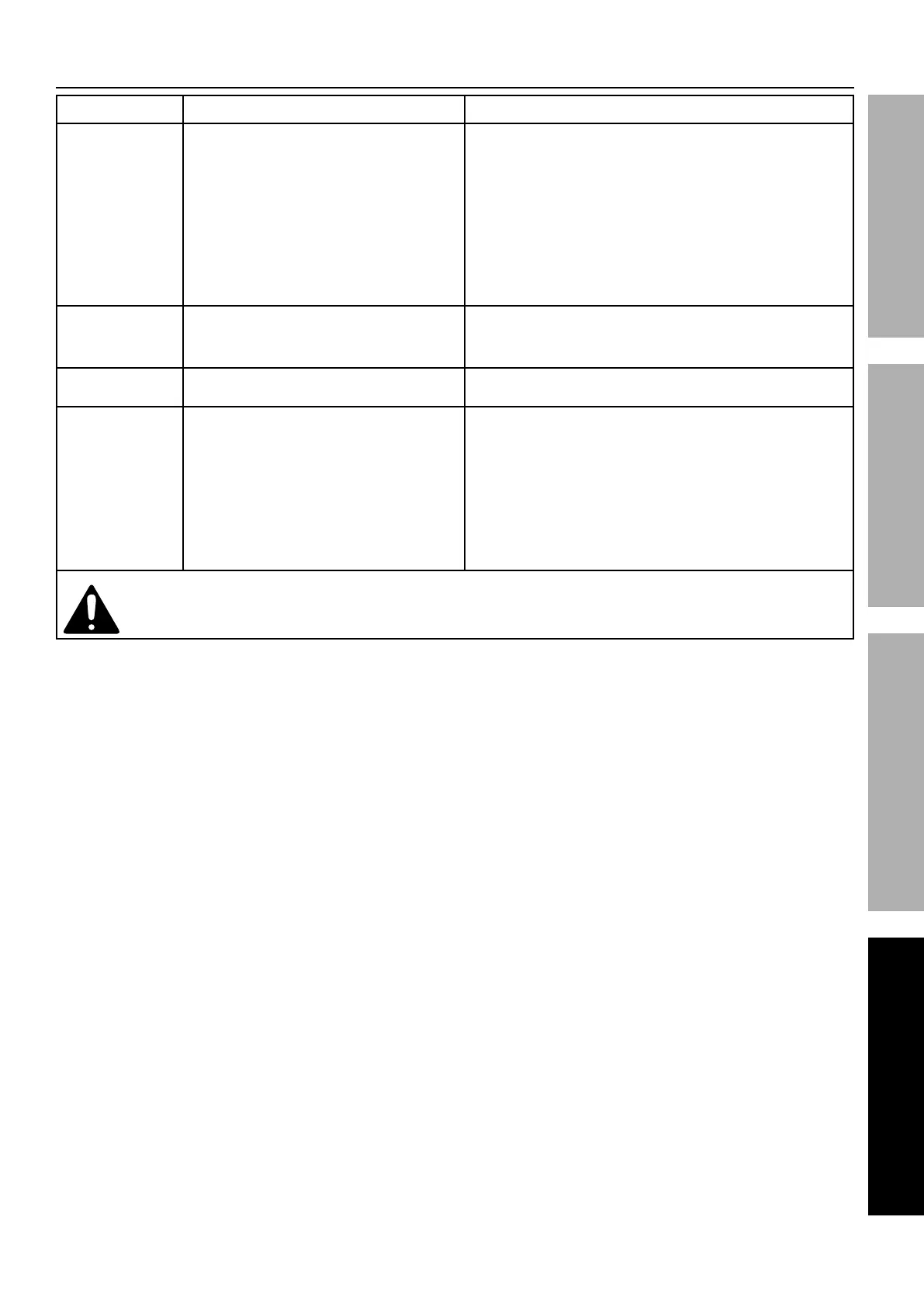
Tool will not start. 1. Cord not connected.
2. No power at outlet.
3. Tool’s thermal reset breaker
tripped (if equipped).
4. Internal damage or wear. (Carbon
brushes or switch, for example.)
1. Check that cord is plugged in.
2. Check power at outlet. If outlet is unpowered,
turn off tool and check circuit breaker.
If breaker is tripped, make sure circuit is right
capacity for tool and circuit has no other loads.
3. Turn off tool and allow to cool.
Press reset button on tool.
4. Have technician service tool.
Performance
decreases
over time.
1. Accessory dull or damaged.
2. Carbon brushes worn or damaged.
1. Keep cutting accessories sharp.
Replace as needed.
2. Have qualified technician replace brushes.
Excessive noise
or rattling.
Internal damage or wear. (Carbon
brushes or bearings, for example.)
Have technician service tool.
Overheating. 1. Forcing machine to work too fast.
2. Accessory misaligned.
3. Accessory dull or damaged.
4. Blocked motor housing vents.
1. Allow machine to work at its own rate.
2. Check and correct accessory to
fence and/or table alignment.
3. Keep cutting accessories sharp.
Replace as needed.
4. Wear ANSI-approved safety goggles and
NIOSH-approved dust mask/respirator while
blowing dust out of motor using compressed air.
% ;&77&)%,77%#,2*$V%/(*4,'$"&8#%).*8*W*(%9",38&#"83%&(%#*(W"4"83%$.*%$&&71%%%
U"#4&88*4$%/&)*(%#'//7V%+*2&(*%#*(W"4*1


 To Next Page