B. HI-RES GRAPHICS MODE (MODE 1)
In this mode the screen is organised as 64 rows of 128 pixels,
giving a total of 8192 pixels. Each pixel can be displayed in
one of four colours, one of which is the background colour. This
means that for each of the two possible background colours, each
pixel can be either "turned off" (i.e., the same colour as the
background), or displayed in one of three colours.
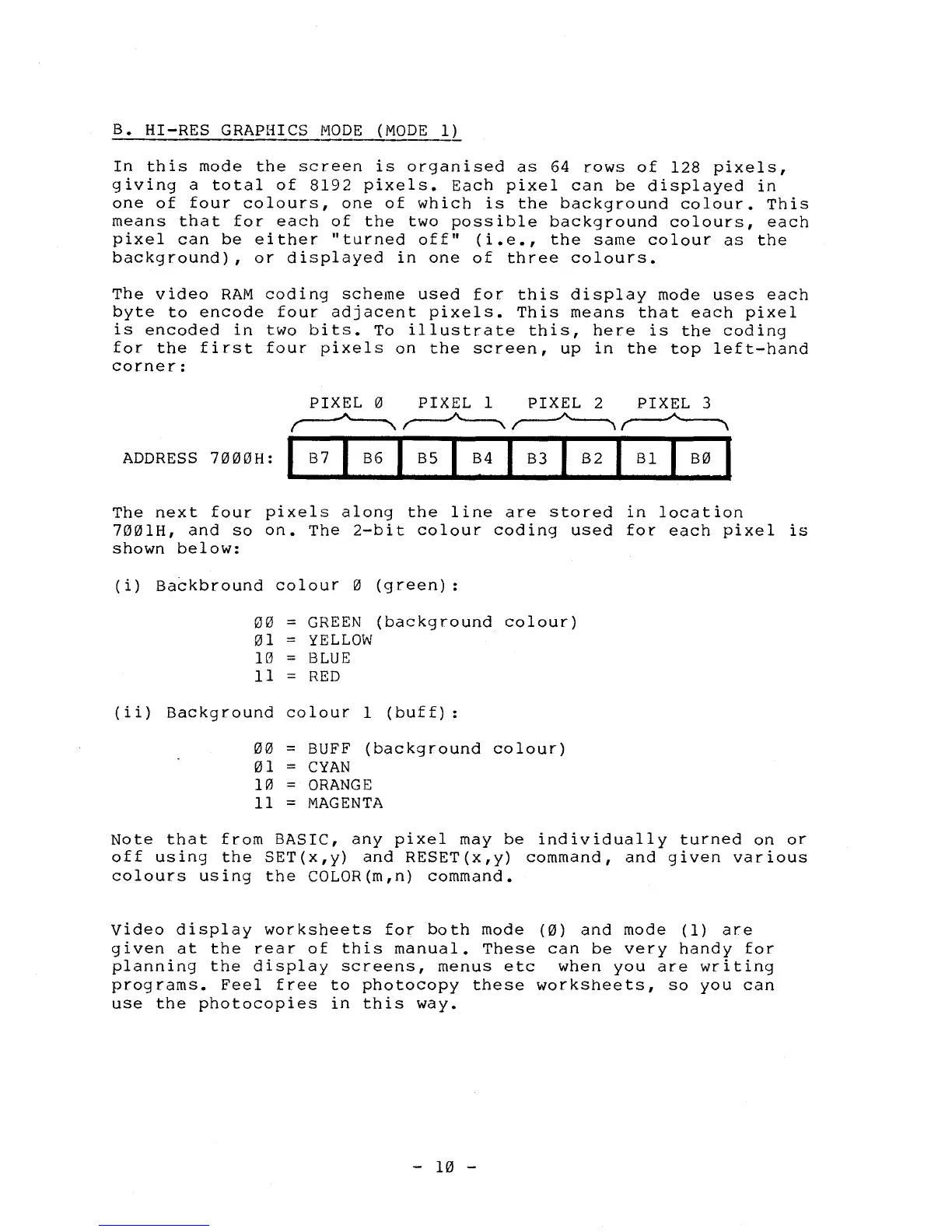
The video RAM coding scheme used for this display mode uses each
byte to encode four adjacent pixels. This means that each pixel
is encoded in two bits. To illustrate this, here is the coding
for the first four pixels on the screen, up in the top left-hand
corner:
PIXEL
0
PIXEL 1
PIXEL 2
PIXEL 3
ADDRESS
7000H:
B7
I
B6
1
B5
I
B4
I
B3
I
B2
I
B1
I
B0
The next four pixels along the line are stored in location
7001H, and so on. The 2-bit colour coding used for each pixel is
shown below:
(i)
Backbround
colour
0
00
=
GREEN
01
=
YELLOW
10
=
BLUE
11
=
RED
(green):
(background colour)
(ii) Background colour 1 (buff):
00
= BUFF (background colour)
01 = CYAN
10 = ORANGE
11 = MAGENTA
Note that from BASIC, any pixel may be individually turned on or
off using the SET(x,y) and RESET(x,y) command, and given various
colours using the COLOR(m,n) command.
Video display worksheets for both mode
(0)
and mode (1) are
given at the rear of this manual. These can be very handy for
planning the display screens, menus etc when you are writing
programs. Feel free to photocopy these worksheets, so you can
use the photocopies in this way.
- 10 -



 To Next Page