- 3 -
Normal, Repeat One, Folder, Repeat Folder, Repeat All, Random, Intro.
● Power Off
You may set Sleep Timer or Off Time mode in your own convenience.
● GUI (Graphic User Interface) Menu
Vivid animation menu with corresponding characters make it easy to operate.
Declaration
Thank you for your purchase.
Please read this manual carefully before using your new player.
Contents in this manual may change possibly for better service.
We have the right to make changes to this manual without notice.
If the actual operations of your player is not the same as the instruction in this manual, please visit our
Website for latest product information.
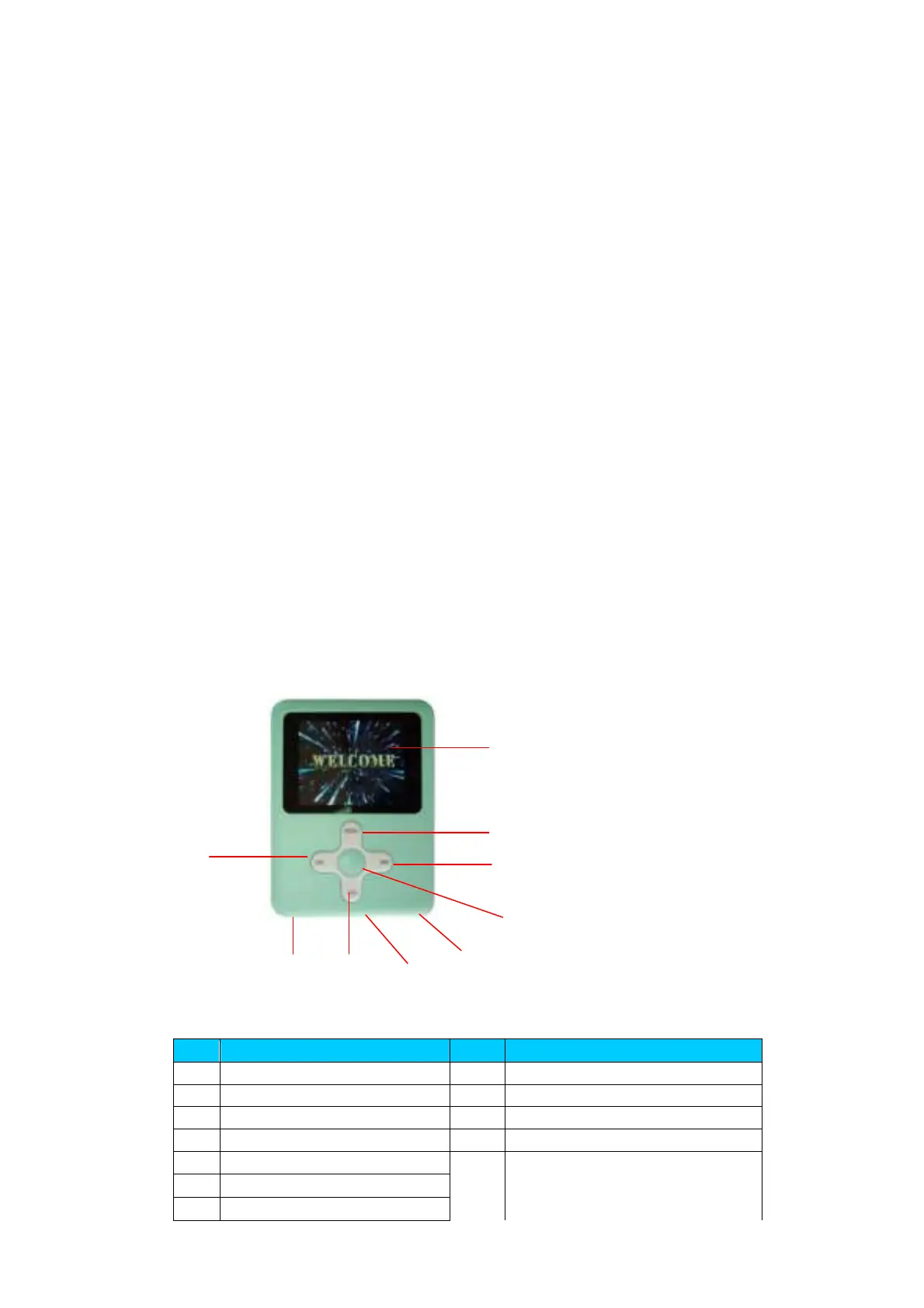
1. Locating the Controls
z Appearance & Keys
S/N Description S/N Description
1
Menu button
6
Power switch
2
Vol
7
LCD display
3
Play/Stop 8 USB
4
Previou track/Rewind()/VOL-
9
Earphone head
5
Next track/Forward()/VOL+
4
8 2 6
3
5
1
7
9



 To Next Page