- 19 -
(Picture 12-2) (Picture 12-3)
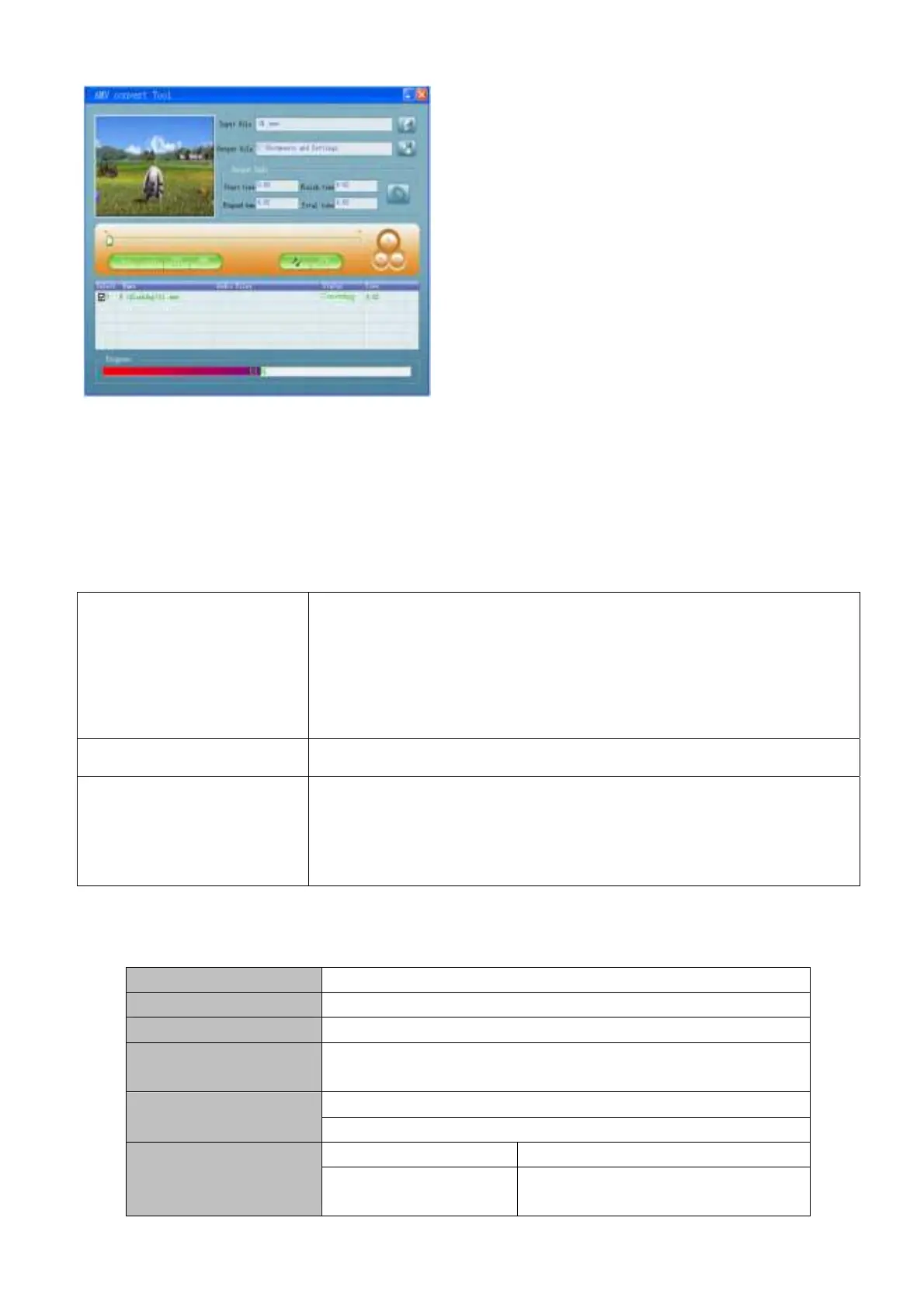
4.After convert, the AMV files will be played automatically.
Trouble Shooting
Specification
Dimension 72*55*8.5mm
Weight 41g
LCM Window 1.8”
PC connection
USB2.0(FS) Read: 1000K Byte, Write: 1000-900K Byte
Battery
Max Play time: 6-7 hours
Sample rate 8KHz Record
Recording format
WAV、ACT、MP3
No sound is heard from
headphone.
Check whether Volume is set “0” and connect the headphone plugs firmly.
Check whether the headphone plug is dirty.
Corrupted MP3 may make a static noise and the sound may cut off. Make
sure that the music files are not corrupted.
Characters in OLCD are
corrupted
Check whether the right language has been selected.
Download of music files fails.
Check whether USB cable is damaged and is connected properly.
Check whether driver is installed correctly.
Check whether the player’s memory is full.



 To Next Page