- 9 -
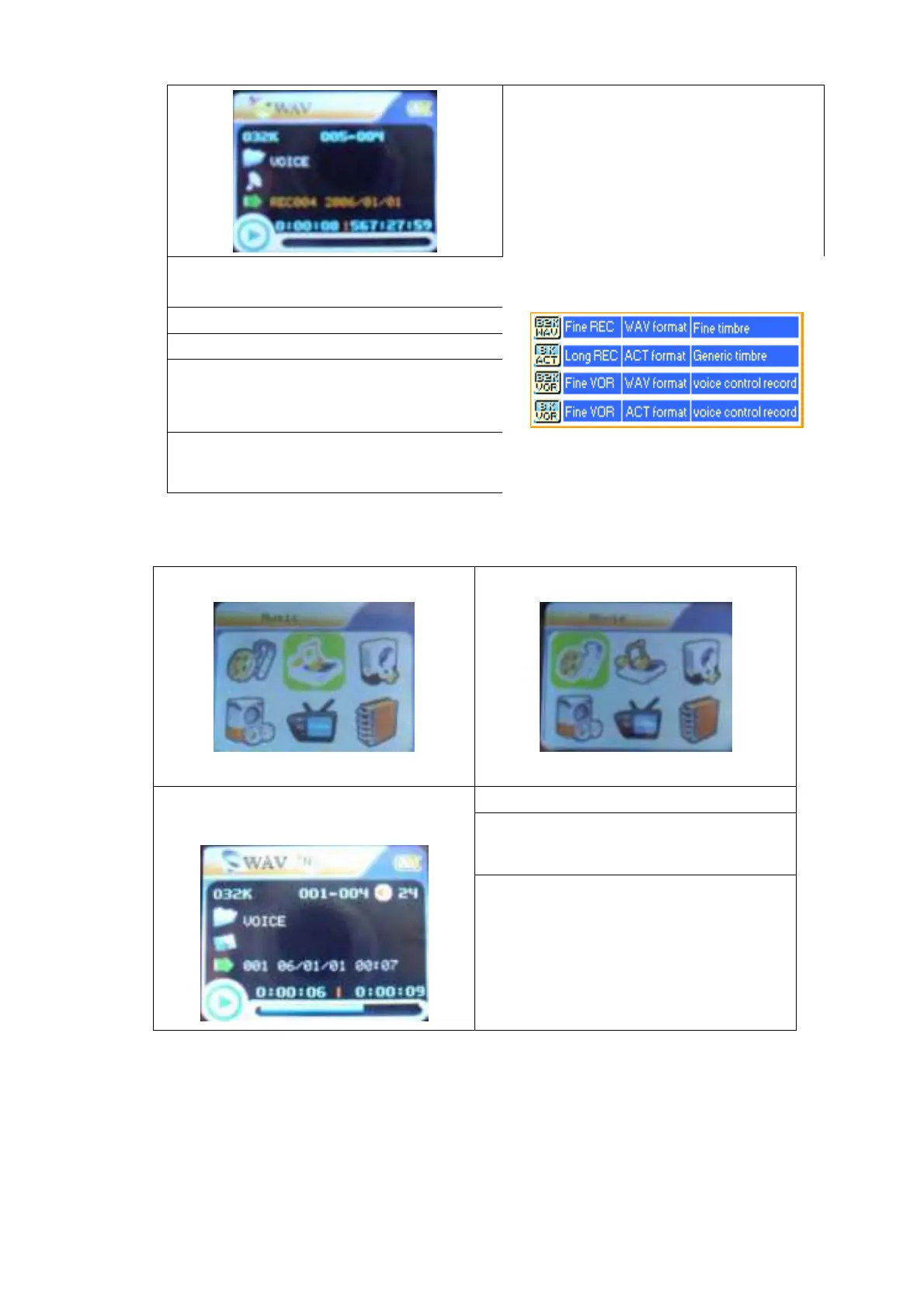
3. Press button to select “REC type” option
5. Press button to select desired recording type
6. Press MENU to confirm the type selected
7. Press PLAY button to start recording
Note: Voice control means when No sound the
player pause record automatically.
4. Press MENU button enter this option
Play Recorded Files
1.Enter the main menu
2. Press button to choose “Voice mode”
4. Press PLAY button to start playing.
5. Choose music
button:to choose previous record file
button:to choose next record file.
3.Press MENU button to enter Voice mode
interface
6. Volume control
Short press the VOL+/VOL- button to
adjust volume.
Convert ACT format files to WAV format files
The ACT format files can be converted to WAV format files through the accessory installation tools.
1. Run “Sound Convert Tool” program, and click “Open” button.



 To Next Page