- 18 -
z Replay Gap (Play Submenu)
Operating steps refer to Backlight setting.
Replay gap means the break period between different playing times (unit: second).
Convert Video files into AMV
This program is used to convert video files into AMV
format, currently only WMV format is supported.
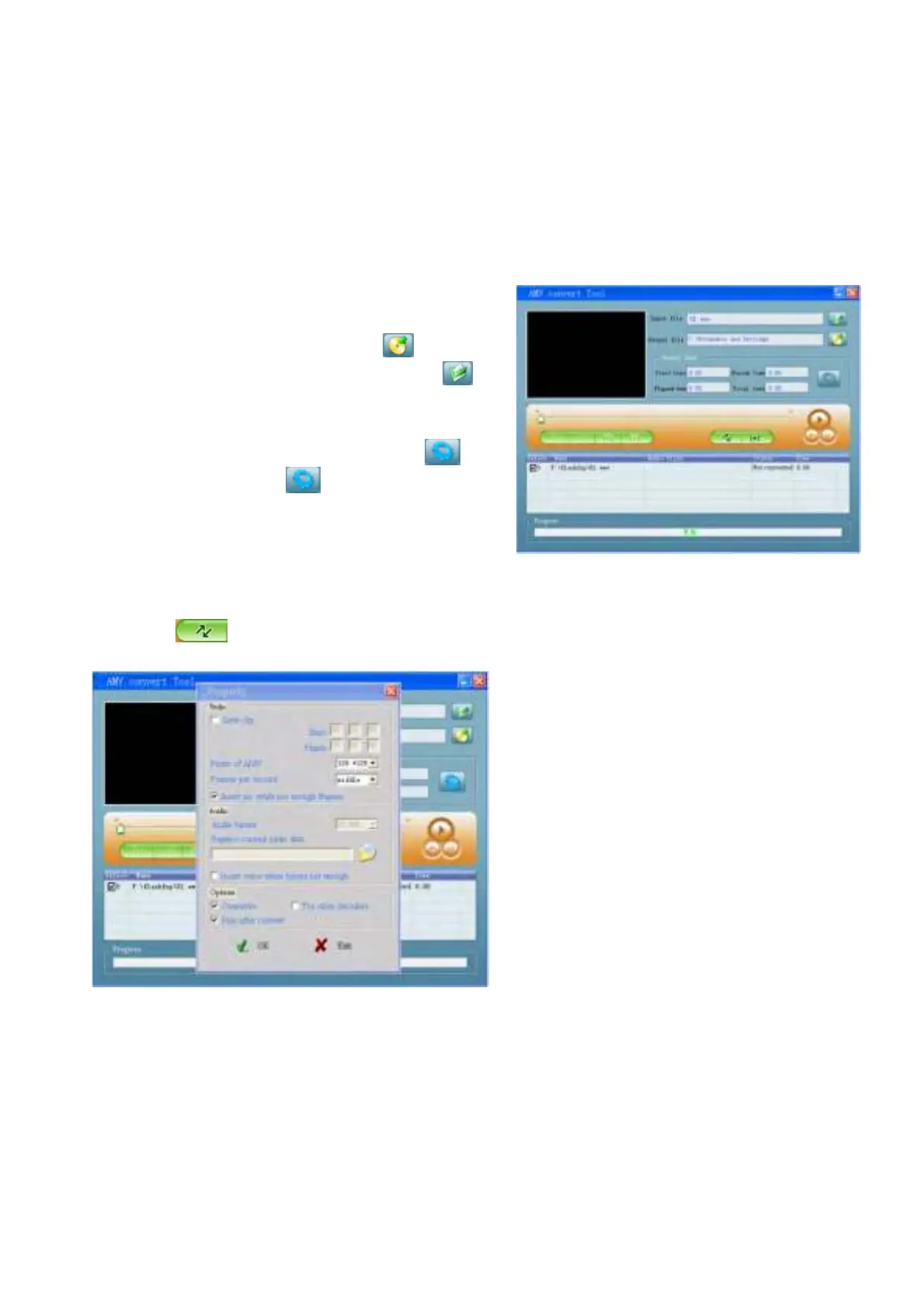
1. Run “AMV Convert Tools”, click
to choose
the folder where to save the AMV files, then click to
select the folder where the original files are.
(Picture 12-1)
.Select unprocessed AMV files, then click
, the
icon will be highlighted into
and a dialog box will
shown. Choosing Pixels of AMV to “160 * 128” and
Frames per second to “middle”, then click OK to confirm.
(Note: Only pixels in 160*128 can be supported) (Picture 12-1)
(Picture 12-2)
.Click
to start converting. (Picture 12-3)



 To Next Page