- 17 -
Enter play/stop submenu to enter
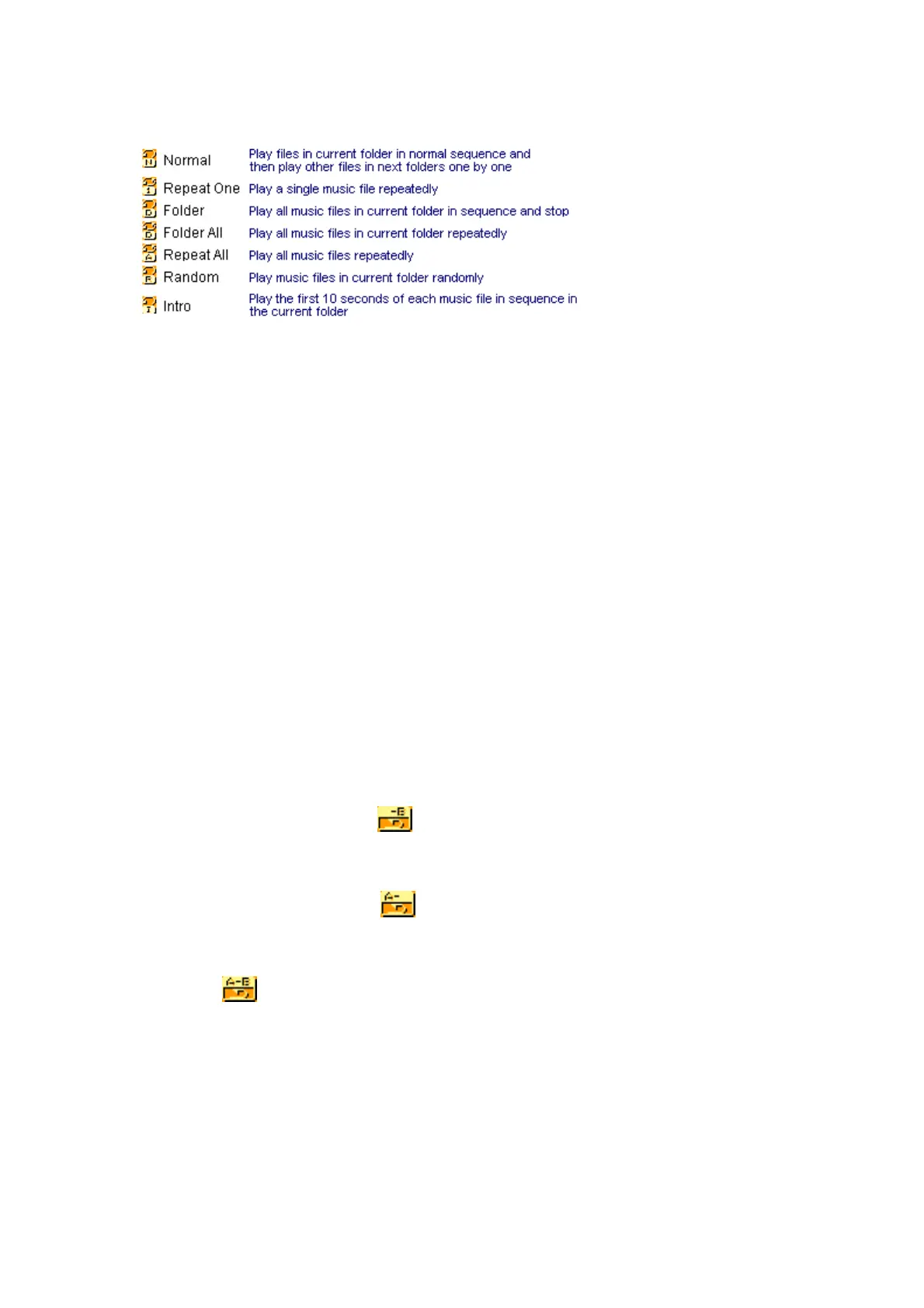
The first option in Play Submenu is Play Mode. The player will play files according to the mode selected.
z Tempo Rate (Play Submenu)
When playing music(Only for MP3 formats) or recorded files, different tempo rate can be set (faster or slower)
without changing the tone and sound. Files.
1. When playing music
2. Press MENU button to enter Play Submenu is as follows:
3. Press button to choose Tempo Rate option
4. Press MENU button to enter Tempo Rate interface is as follows:
5.Press button to quicken tempo rate and press button to slow down tempo rate.
z Replay Mode
○ A-B Replay
1. At Music Mode or Voice Mode
2. Press Mode to enter Play Submenu.
3. Press to select “Replay”.
4. Press Mode to enter Replay.
“A” flickers in Replay Mode icon
and start point is to be set.
5. Press to set “A”.
6. After “A” set, “B” flickers in icon
, and endpoint B needs to be set.
7. Press to set “B”.
Replay icon
is fixed and A-B segment replay begins. When replay times count up to times set in
advance, the player will quit from Replay Mode. At Replay Mode, pressing can set “A” again to select
another segment. (Setting of replay times refers to “Replay Times” in the section.
z Replay Times (Play Submenu)
Operating steps refer to Backlight setting.
Replay times mean that after A-B segment has been replayed up to fixed times, it will exit from Replay Mode.



 To Next Page