- 5 -
**Volume Control
At the music mode, voice mode, short press VOL buttons to enter the volume control interface and
then press the / button to adjust volume (follow along with number of volume value be changed).
z Power On/Off
1. Turn on automatically
After push the Power button( OFF→ON) , the player turn on automatically and enter power on
logo interface:
When connecting the USB plug to PC, the player turn on automatically and will be entering USB
mode:
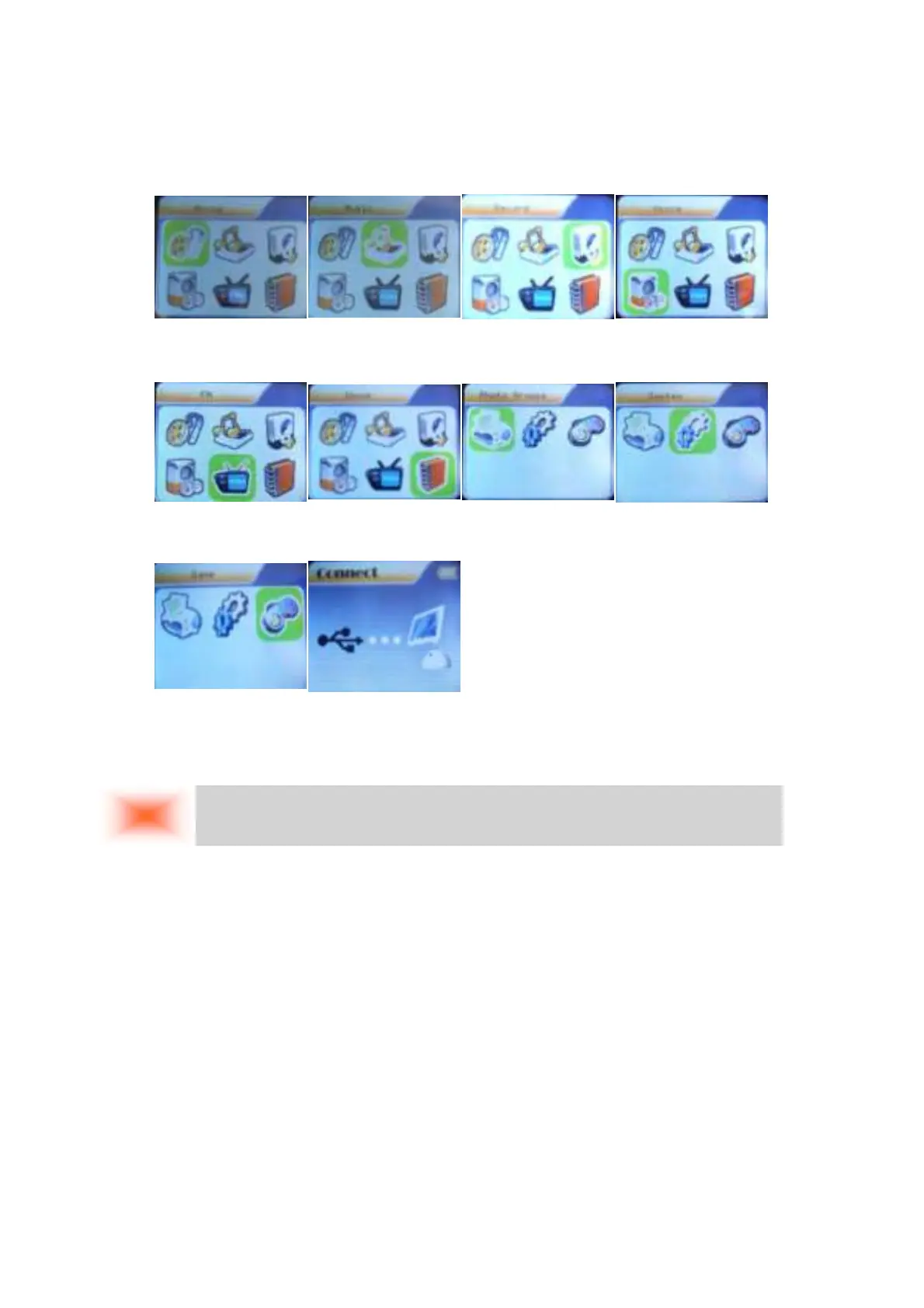
Main menu:
(Long press the
MODE button to
enter ) Movie mode:
Music mode:
Record mode:
Voice mode:
FM mode:
E-Book: Photo System setting
GAME:
USB mode:
Remark:
Long press MENU button to return to the main menu at the modes. When connecting the USB cable
to PC, then will enter USB mode.



 To Next Page