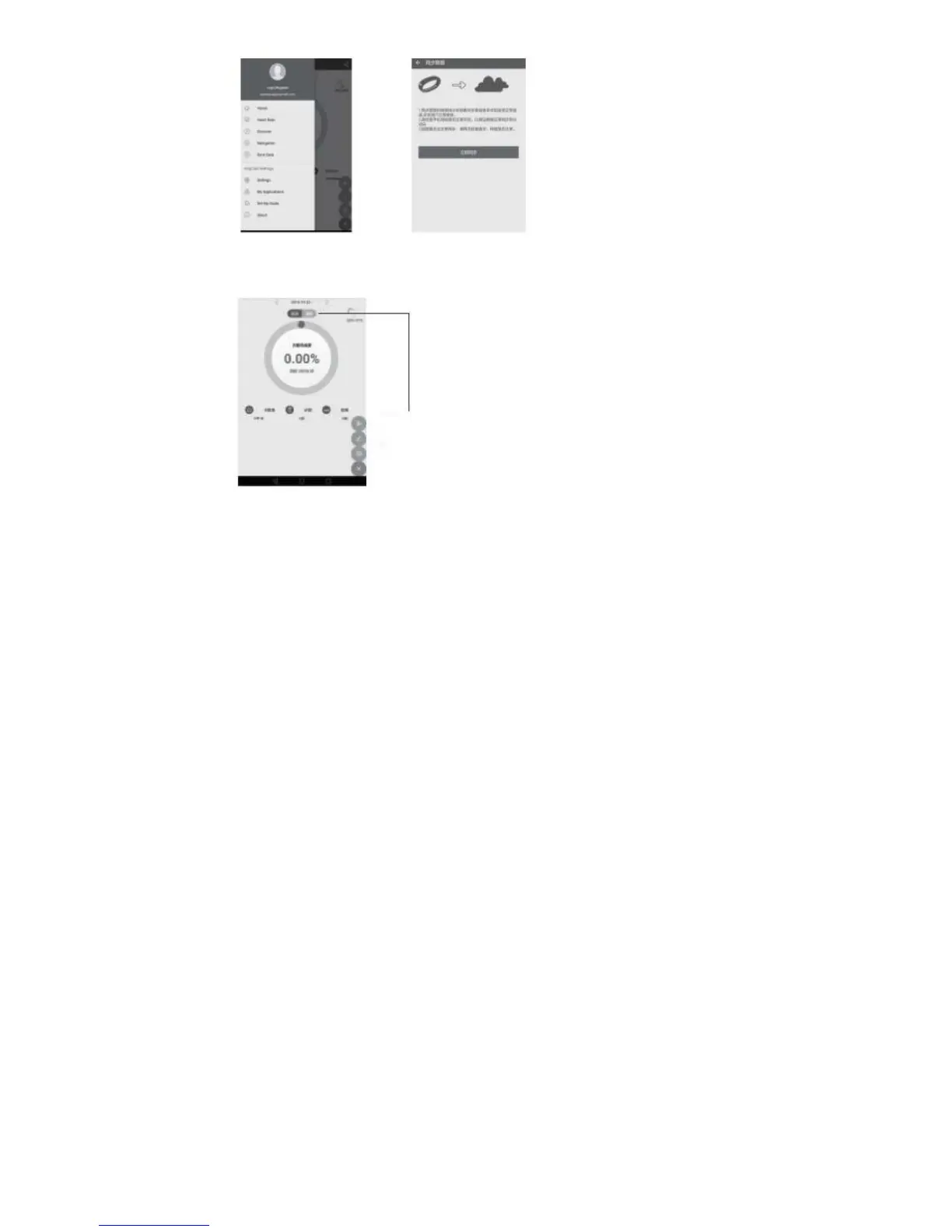
Click to synchronize data Click Sync Now
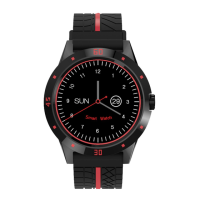
As the left click on motion Watch the data
Can be synchronized to the phone side.
The sleep monitoring date does not support
synchronous.
Tips: Due to the different users of the phone settings are different,
the first end connected to the watch may not connect.
When this occurs, please turn off the Bluetooth mobile phone
Back on, or reboot the watch off.
Three shortcut menu operation guidelines
1. Dial interface
2. Personalized Dial
In the dial will appear the following interface touch screen. After 2
seconds, the screen will slide to the left following, three kinds of personality
dial for you to choose. When you have confirmed a good selection dial, the
finger off the screen for about three seconds, this mark disappears, the dial
Begin to take effect.
3. Notification Center
In dial interface, slide the screen to the right, into Notification Center, you
Can view various types of information smartphone push. Note: This feature
requires the watch and smart phones can be used after binding.
4. Fast interface
In dial interface, slide down the screen and enter the standby interface
Press the lower left corner of the icon to access the main menu, press the
lower right corner of the icon to enter the tool icon.
The left is dial-up interface, the right is access to the information.
Fourth, the basic functions of the main menu, operating instructions


 To Next Page