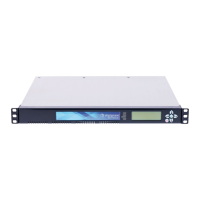
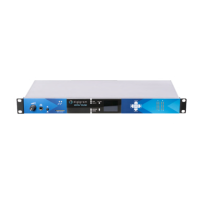
IQOYA *LINK - IQOYA *LINK/LE
USER MANUAL
TABLE OF CONTENTS
1 INFORMATION FOR THE USER
2 KEY HARDWARE FEATURES
3 KEY SOFTWARE FEATURES
4 RELEASE NOTES
4.1 Version 3.06c
5 FRONT AND BACK PANELS
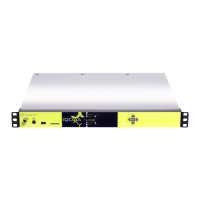
5.1 IQOYA *LINK Front Panel
5.2 IQOYA *LINK/LE Front Panel
Use a thin device and insert it in the hole. Press until IQOYA restarts.4.3 IQOYA*LINK and IQOYA *LINK/LE Back Panel
6 INSTALLATION
6.1 Connecting the IQOYA *LINK or IQOYA *LINK/LE
6.2 Connecting the IQOYA *LINK or IQOYA *LINK/LE to an xDSL network
7 REMOTE CONFIGURATION THROUGH HTML PAGES
7.1 Connecting to the IQOYA
7.2 WEB access rights
7.3 Network parameters configuration
7.4 Services
7.4.1 NTP
7.4.1.1 Date and time synchronization
7.4.1.2 Audio synchronization based on NTP clock (optional feature)
7.4.2 SNMP
7.4.3 Publish/discover
7.4.4 HTTP bandwidth limitation
7.4.5 FTP
7.5 Global audio parameters configuration
Audio clock
7.5.1.1 Internal clock
7.5.1.2 Clock from the AES/EBU input (available on IQOYA units with blue front panel)
7.5.1.3 Livewire clock (available on IQOYA units with blue front panel)
7.5.1.4 AES67 PTP clock (available on IQOYA units with blue front panel)
7.5.1.5 Clock settings for AES bit transparent transport
7.5.2 Audio in/out
7.5.3 Synchronous AoIP in
Synchronous AoIP out
7.5.5 Audio setup
7.5.5.1 Processing granularity and mode
7.5.5.2 Receive silence detection
7.5.5.3 Audio input silence detection
7.6 Other I/Os
7.6.1 RS232 tunneling configuration
7.6.2 UDP metadata tunneling
7.6.3 GPIOs
7.7 Encoder parameters configuration
7.7.1 Encoder input configuration
1


 To Next Page