Chapter Three: Application
3.1 File Manager
Touch (File manager), you can copy files among SD
card, USB and internal memory.
Chapter two: Internet
2.1 Browser
Require network support before using a web browser, if there
are network supporting problems, please contact your
network operator or the service provider.
Tablet's web browser can connect to the Internet via WiFi to
satisfy your business and individual network needs .
Please touch (Settings) to set up the WiFi so that you can
use the browser normally.
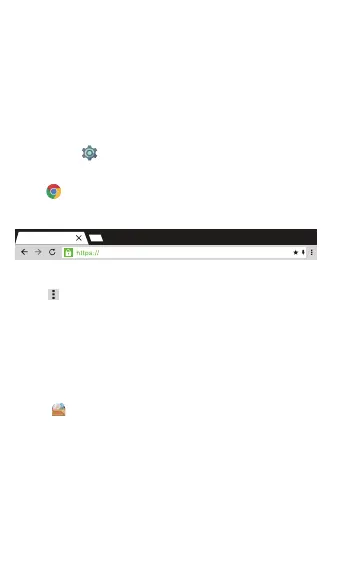
Touch (Chrome) in the application list to enter the browser
pages.
Input URL: Touch the input area to get the soft key board,
then input the URL.
Touch to show the submenu of the browser, and choose
the corresponding one accordingly.
5


 To Next Page