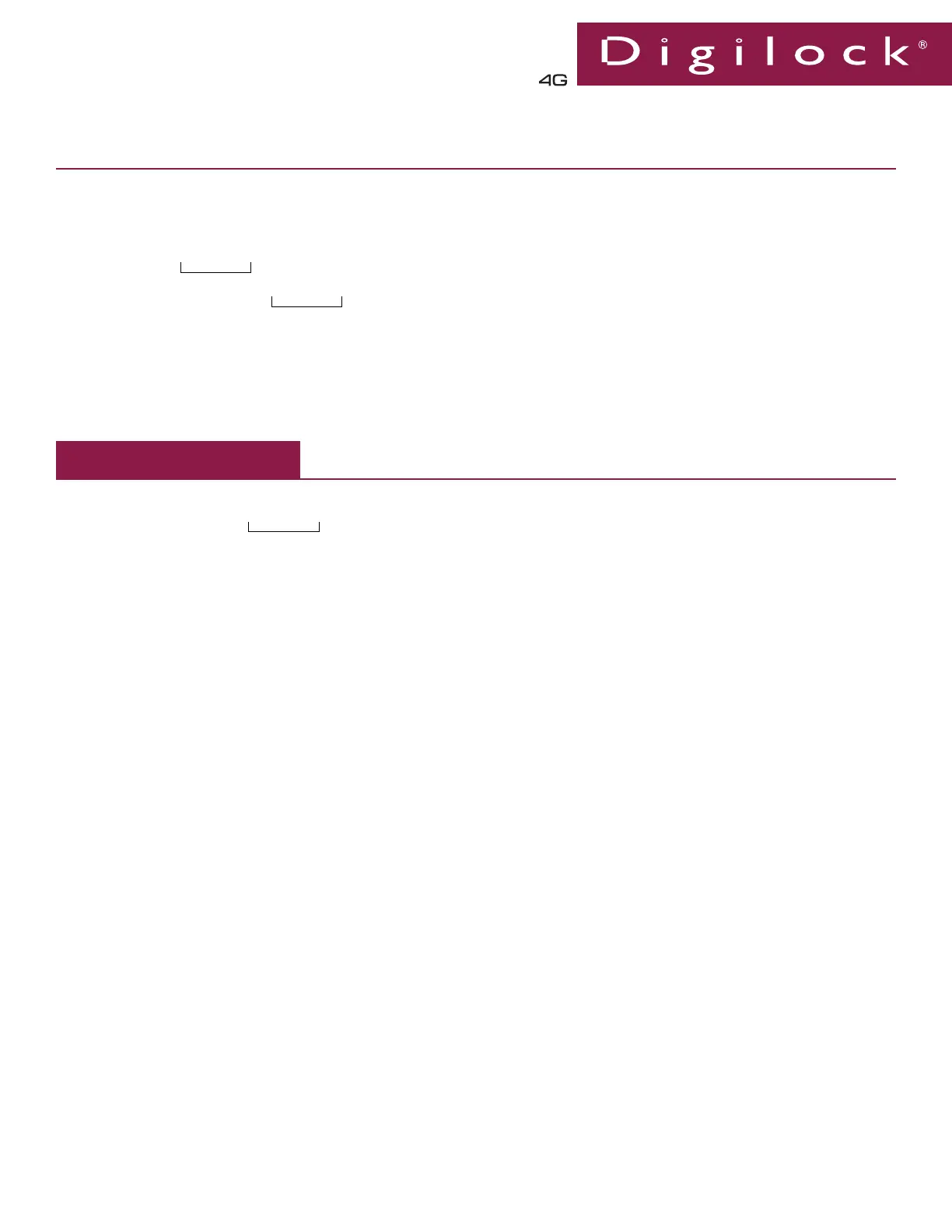
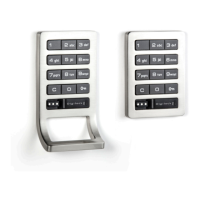
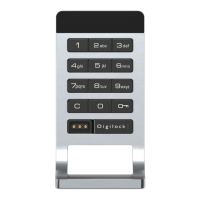
Keypad Locks Advanced Security
DAK1-APS1, DAK1-APV1 & DAK1-APH1
Phone: 707 766 6000
www.digilock.com | sales@digilock.com
Assigned Use
Product Guide
Operating Instructions
Operate with the assigned User Code:
▪ To unlock: Press = ____ ` . The latch will retract for approximately 6 seconds to allow the door to be opened.*
▪ To lock: Close the door.
Operate with the assigned User Key:
▪ To unlock: Touch the assigned User Key to the key slot. The latch will retract for approximately 6 seconds to allow the door to
be opened.
▪ To lock: Close the door.
Operate with a registered Manager Bypass Key:
▪ To unlock: Touch a registered Manager Bypass Key to the key slot. The latch will retract for approximately 6 seconds to allow
the door to be opened.
▪ To lock: Close the door.
Operate with the Programming Key:
▪ To unlock: Press = `, then touch the Programming Key to the key slot. The latch will retract for approximately 6 seconds
to allow the door to be opened.
▪ To lock: Close the door.
(assigned User Code)
a. Press = `, then touch a registered Manager Bypass Key to the key slot until the LED turns on.
b. Touch any User Key to the key slot until a two-tone beep is heard and the LED turns off.
Assign a User Key
*Once a User Credential is assigned, the previous User Credential will no longer operate the lock.
Assign User Credential (User Code or User Key)*
Assign a User Code (Default User Code = 1234)
a. Press
= `
, then touch a registered Manager Bypass Key to the key slot until the LED turns on.
b. Press = ____ `. A two-tone beep will be heard.
c. Confirm entry. Press = ____ `. Two sets of two-tone beeps will be heard and the LED will turn off.
(new 4-digit User Code)
(same 4-digit User Code)
*The lock will go into “Sleep Mode” after 3 consecutive incorrect entries.


 To Next Page