
 Need help?
Do you have a question about the Digilock Curve and is the answer not in the manual?
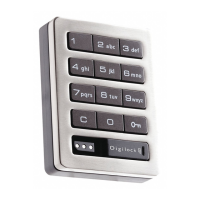
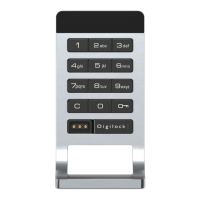
Details the components of the lock's front assembly, including keypad and key slot.
Describes the rear part of the lock mechanism, including the deadbolt and cover plate.
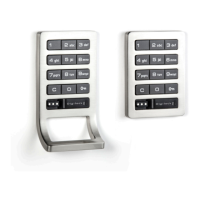
Illustrates the available connection methods for the lock unit.
Key used for basic operation and access by end-users.
Key for management access, overrides, and external power.
Unique key used for programming lock system functions.
Visual guide showing the correct method for inserting keys into the lock.
Step-by-step guide for the initial setup and programming of a lock.
Quickly program multiple locks to share the same Manager Keys.
Procedure for programming additional Manager Keys to the lock.
Steps to replace a lost or stolen Programming Key.
Procedure to erase old Manager Keys and program new ones.
Configures the lock to operate with specific user credentials.
Configures the lock to allow any user to operate it.
Instructions for assigning new 4-7 digit user codes to the lock.
Instructions for assigning User Keys to the lock.
Quickly program multiple locks with the same user credentials and Manager Keys.
Procedure to remove all assigned user codes and keys from the lock.
Steps to replace existing user codes or keys with new ones.
Configure whether the LED flashes during lock use in shared mode.
Enable or disable automatic unlocking after a specified number of hours.
How users can lock and unlock the device using a code.
How users can lock and unlock the device using a User Key.
How to lock and unlock using a Manager Key.
How to lock and unlock using the Programming Key.
How a Manager Key can override current lock status.
How the Programming Key can override current lock status.
How users operate the lock with their assigned code.
How users operate the lock with their assigned key.
How to operate the lock using a Manager Key.
How to operate the lock using the Programming Key.
Instructions for using a Manager Key to power the lock for operation.
Step-by-step guide for replacing AAA batteries in keys.
Explains the lock's Sleep Mode after incorrect entries.
Details common error codes and their meanings.
Addresses problems with unlocking via user codes, keys, or manager keys.
Diagnoses issues when the lock provides no sound feedback.
Instructions for replacing the lock's batteries without removing it from the door.
Provides contact numbers and emails for sales and technical support.









 To Next Page
 General