CONTENTS OF THE PACKAGE
Before installation, please check the contents of
the package:
HD DVB-T2 receiver
2-in-1 remote control
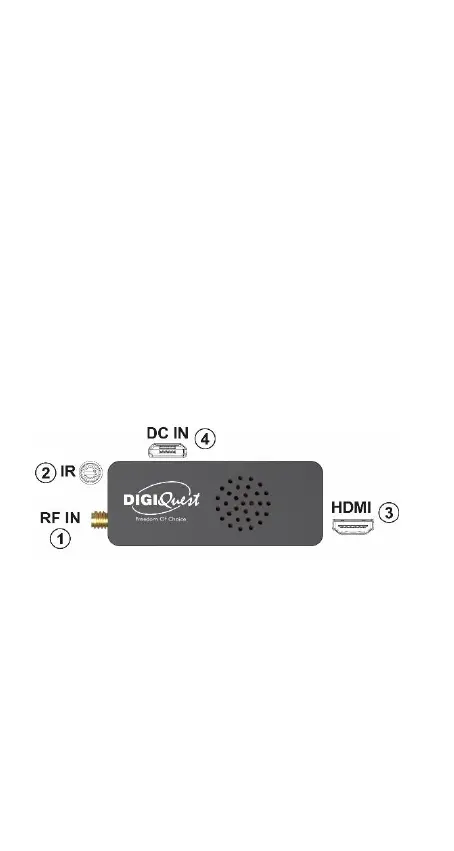
IR remote control sensor with adhesive
IEC antenna socket adapter
HDMI cable
USB cable for power supply and USB
memory connection
User manual and QUG
CONNECTIONS
WARNING: when making any connection, ALL
devices should be unplugged from the
electrical outlet.



 To Next Page