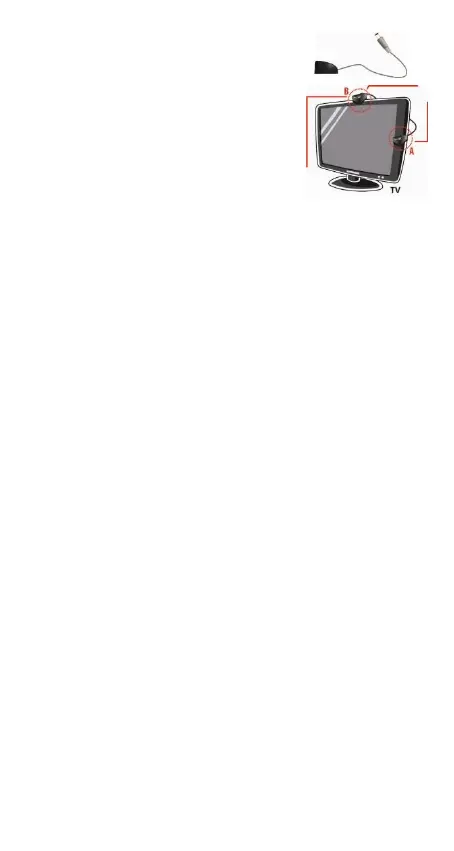
Connect the IR remote control
sensor to the IR socket (2) on the
stick. Place the sensor in front of
the TV, it should be positioned so
that it can receive the signal from the remote
control (e.g. A or B).
The HDMI output (3) should be connected directly
to the TV using the HDMI cable supplied.
Connect the USB cable to the DC IN port on the
stick (4). Attach the other end to a free USB port
on the TV. The device switches on automatically as
soon as it receives power.
If the LED on the IR sensor does not light up, this
means that the power supply is insufficient. In this
case, connect the USB cable to another USB port:
if the TV has only a few USB ports, use an external
power supply with USB output (5V, min. 1000 mA).
Power supplies are available in specialized shops.
In case of software update, ensure that only the
update file is on the USB device used.



 To Next Page