Installation
Installation Environment Requirements
ONU equipment must be installed in the interior, and ensure the following
conditions are met:
• Confirmation at the ONU installation at sufficient space to facilitate
cooling machine.
• ONU suitable operating temperature is and-10°C ~ 55°C
humidity of 5% to 95%
• Device workplace should avoid radio transmitters, radar stations, and
high-frequency interference from power equipment.
Equipment Installation
1. Installed on the desktop
Place the ONU on a clean bench, this installation is relatively simple, you
can observe the following operation:
• Ensure the smooth workbench.
• Around the device enough space for heat dissipation.
• Do not place objects on the device.
2. Mounted on the wall
• Observation ONU equipment chassis two cruciform recess, in
accordance with the position of the groove, installed two screws in
the wall.
• The original selected two mounting screws gently snap into recesses
aligned.
• Slowly let go, so that the device under the support of the screw
hanging on the wall.
3. Connect fiber, network cable and power adapter to the corresponding
interfaces, and turn on the power of product.
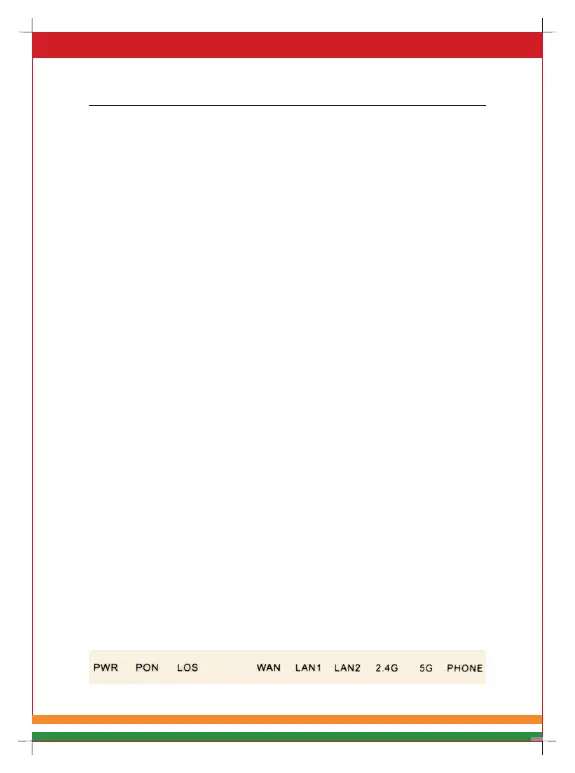
2.2 Panel lights
Figure 3 Panel Lights



 To Next Page