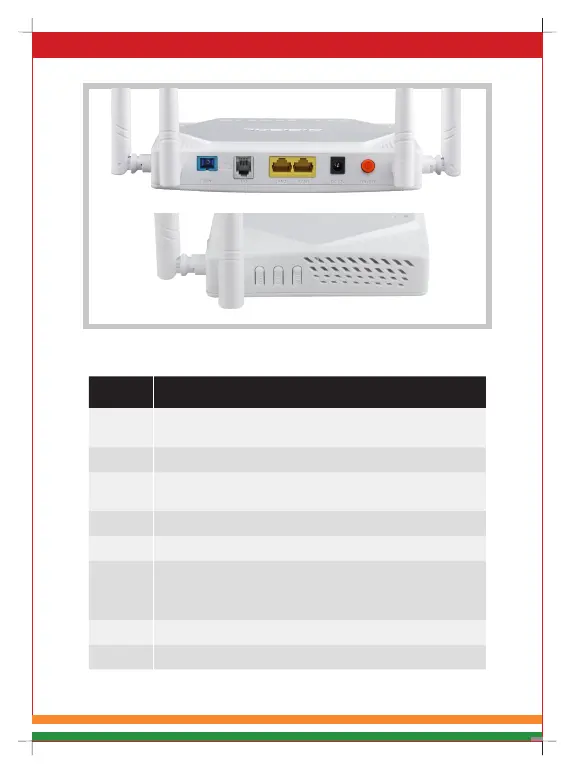
Figure 4 Interface/Button Panel
Name DG-GR6821AC
PON
Connect to OLT by SC type fiber connector, single mode
optical fiber cable.
FXS Connect the telephone with FXS port by telephone wire.
LAN1/2
Connect PC or other devices with Ethernet port by Cat5
cable, RJ-45 connector.
DC 12V Connect with power adapter. DC 12V, 1.5A.
ON/OFF Power supply switch.
RST
1. Press RST button for 10 seconds, ONU restores to
factory default .
2. Press RST button for a shorter time , ONU reboots.
Pair Press down Wi-Fi pair button to begin pairing.
Wi-Fi Press down Wi-Fi button to enable/disable Wi-Fi function.
Table 2 Interface/ button Panel



 To Next Page