3. System submenu
Push "MENU" button, select Security Submenu by "BACK" "NEXT", "ENTER"
System submenu includes as below:
Input option: set input A / input B to link control or not
Wake up time: set system turn on status
Fade-in: Volume rise to memory model slowly
Mute hold: set all channels on mute.
4. Interface submenu
Interface submenu include: USB baud rate and address code setting. Band rate
fixed as 38400 Remote ID Number fixed as 1
5. Parameter
Push " ain" to enter setup menu push "Back" "Next" to switch menu.
A. Input gain: Input A, Input B, Gain adjust range is -40.0dB~+6.0dB, step in 0.5dB.
Rotate "Param" to adjust Gain value.
B. Output gain: Op1 Op6. Gain range: -40.0dB ~ +6.0dB, step in 0.5dB, Rotate
"Param" to adjust Gain value.
C. Output phase: Polarity, [+], [-]. Each channel include separate phase control, Rotate
"Param" to adjust phase.
D. Delay: each channel include separate delay control, adjustment range from 0ms~7ms,
step in 21us. Rotate "Param" to adjust delay time, show three units simultaneously.
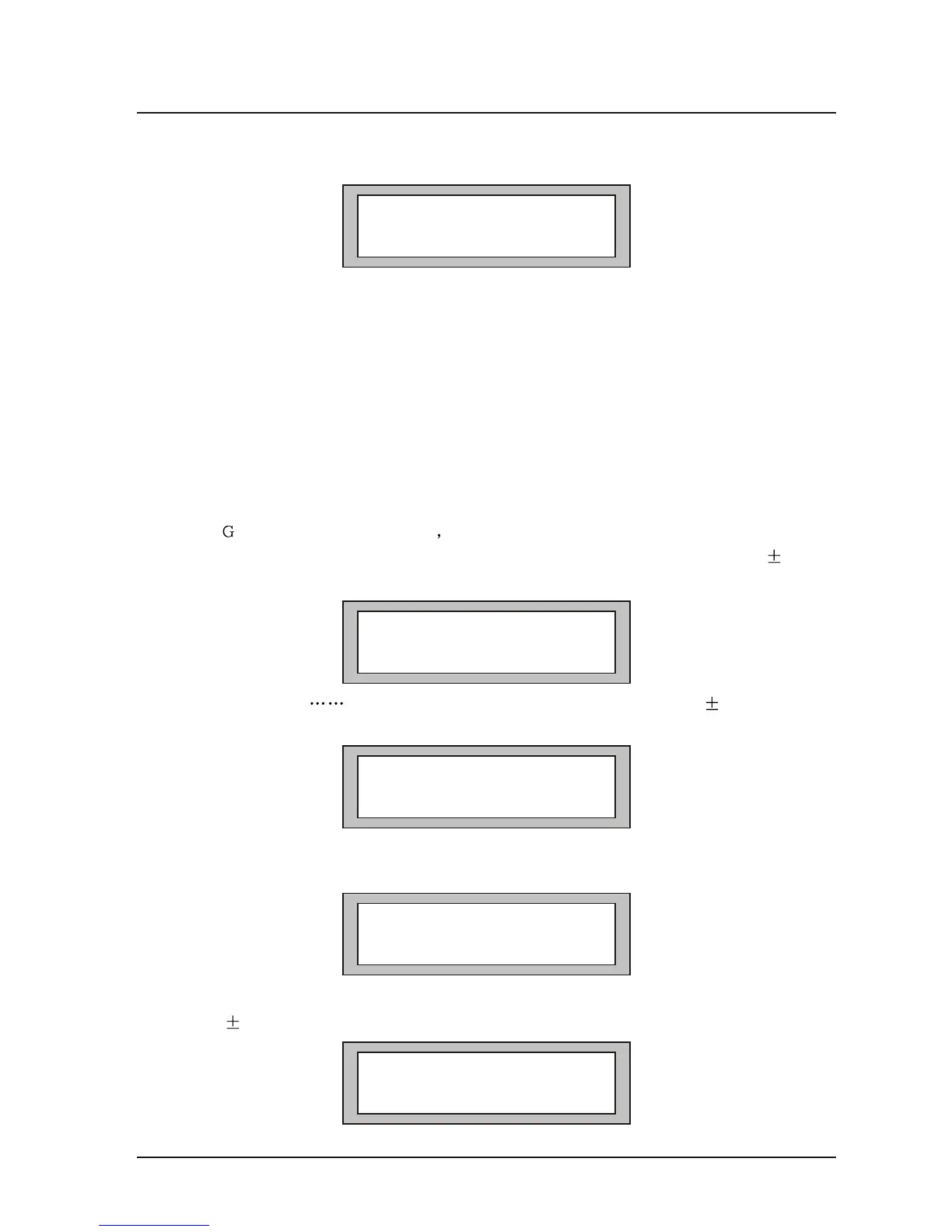
Input A Gain
Gain=0.0dB
Op1 low Gain
Gain=0.0dB
MAIN MENU.............
System Sub-Menu
Op1 low Gain
Polarity=[+]
Op1 LOW Delay
Delay=0.0ms
66
Operation Instruction



 To Next Page