37
3. To add audio to your video, plug a microphone into your computer.
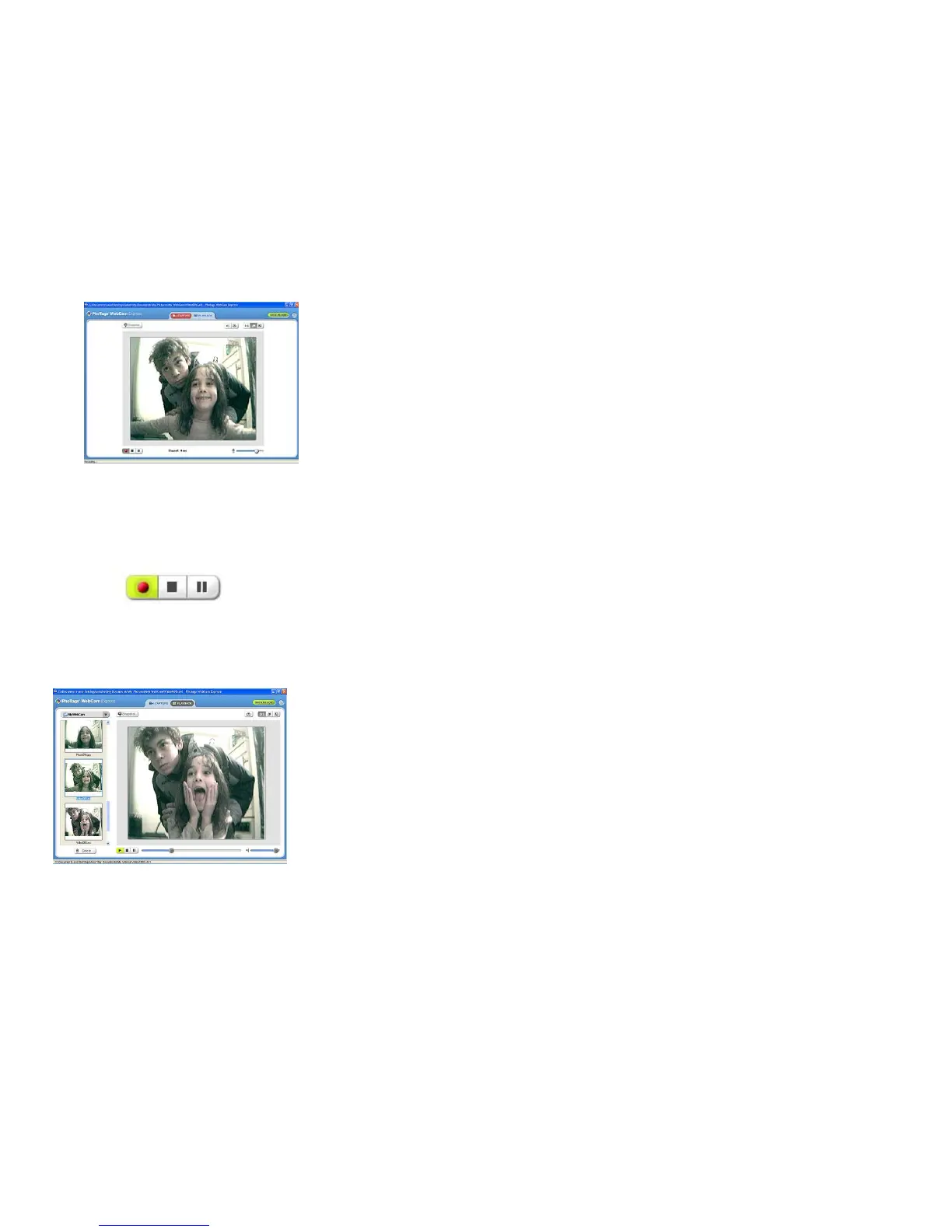
4. Click the “Capture” button to start recording the video. The recording elapse time will appear under the
video.
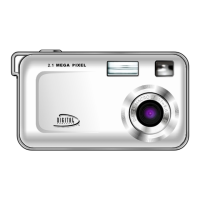
5. Click the “Pause” button to hold the recording. To continue recording click the “Capture” button again.
6. To finish recording click the “Stop” button. The videos will be automatically saved into a default directory.
Note: Taking snapshots- to learn how to capture JPEG snapshots from your WebCam or from your existing
AVI movies, go to the “Take Snapshots” section in the Quick Start help.


 To Next Page