38
To learn how to change the user settings, go to the “Set User Preferences” section in the Quick Start help.
• What it does
• Basic instructions from Quick Help
Maintenance of Your Digital Camera
The digital camera is an accurate device, please preserve and use it properly to avoid damaging to it.
Technical Support
For technical support issues please visit our website at www.sakarhelp.com. You can find manuals, software ,
drivers, and FAQ’s at the website. Can’t find what you are looking for? Fill out an online ticket and one of our
technical support team members will answer questions or call 877-397-8200 or 732-476-5098 to access our
technical support information on the phone. For question on warranty information please email
warranty@sakar.com
Appendix A: Technical Specifications
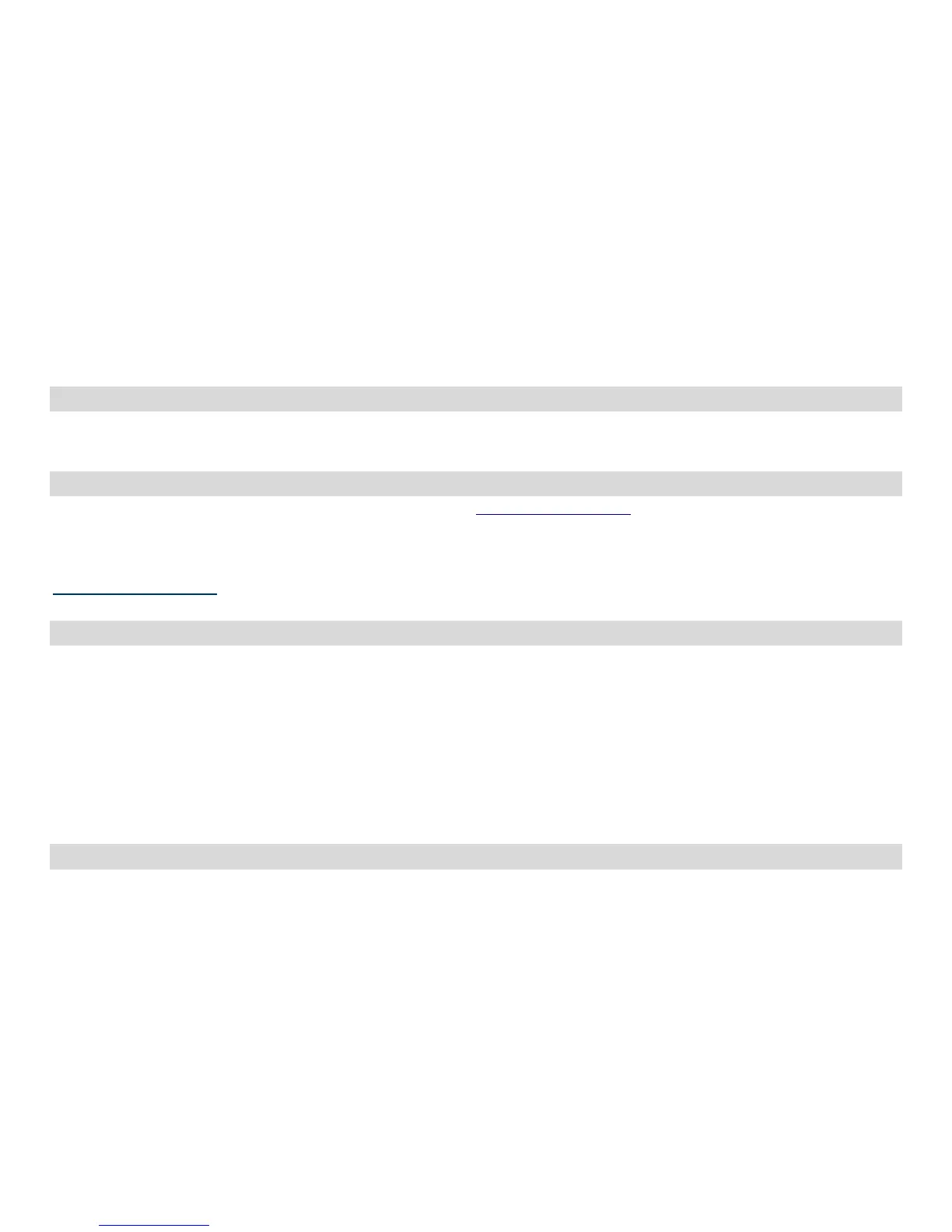
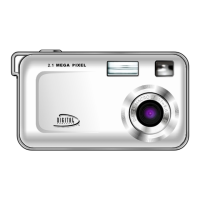
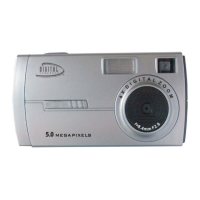
Product Type: Digital camera
Electronic Coupling Element: CMOS Sensor 5.0M Pixels
Image Resolution: 2592*1944 (QSXGA)
2048 x 1536 Pixels (QXGA)
1600 x 1200 Pixels (UXGA)
1280*1024 Pixels(SXGA)
640*480 Pixels (VGA)
Memory Device: Built-in 32MB(SDRAM)
LCD monitor- 1.5 Inch TFT color
Appendix B: Troubleshooting
I've taken photos, but my computer says 'No Photos In Camera' - what do I do?
First, ensure that you have taken photos with your camera. Press the shutter button a few times to take


 To Next Page