Need help?
Do you have a question about the Digital Identification Solutions XID8300-DS and is the answer not in the manual?
General safety guidelines and warnings for servicing the printer.
Specific cautions and procedures to follow when performing service.
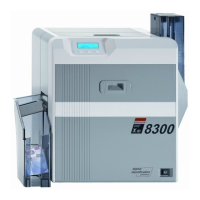
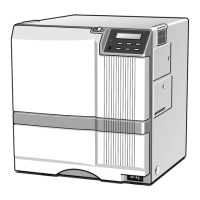
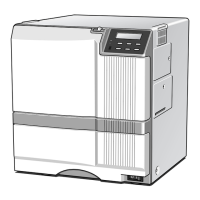
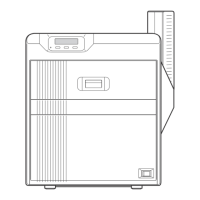
Details of printer models and available built-in option units.
Explains exterior and internal components of the printer.
Step-by-step instructions for installing optional units.
Procedures to verify correct installation of separately sold parts.
Instructions for removing the printer's top and rear covers.
Procedures for removing main internal boards and major components.
Explains error messages and general troubleshooting steps.
Detailed steps for various card jam errors (Hopper, TurnOver, MG, Transfer, Discharge, Retran).
Troubleshooting for various error codes related to MG, Ink, Hardware, and mechanical failures.
How to access and navigate service mode for printer adjustments and tests.
Adjusting print position, sensor levels, and card settings.
Testing individual motors and actuators for proper operation.
Visual breakdown of the printer assembly and its parts.
List of items included in the product packaging and accessories.
 General
| Brand | Digital Identification Solutions |
|---|---|
| Model | XID8300-DS |
| Category | Printer |
| Language | English |

 To Next Page