Photo Display
S
ingle
Picture/Thumbnails/Slideshow/Personalized
Frame
Supported Format JPEG, BMP
Photo Display
Display Orientation Portrait/Landscape
Music Player AudioPlayer / Slideshow background music
Music Player
Supported Format
Automatic File Copy Auto Download, Auto Resizing
Clock Yes
Calendar Yes
Other Features
Multi-language OSD
Support
English, French, and Spanish
Power Consumption 4.5 Watt (Operation)
Battery Type Built-in 1100 mAH Battery Cell (Li-Polymer)
Battery Charging Time
2 hours (Please charge at least 4 hours for first
time use.)
Dimensions (w/o foot
stand)
205.9 x 160.2 x 31.3 mm (Length x Width x
Height)
Dimensions (w/ foot stand)
205.9 x 160.2 x 95.7 mm (Length x Width x
Height)
General
Specifications
Weight 575 g
To use Auto Copy:
1. Insert a memory card. A message asking you whether to use Auto Copy shows.
2. Press under Copy to confirm the task.
3. Press under Done to start the copying process.
4. When the process completes, remove the memory card. All copied images will be
automatically resized to fit the screen. The file size of each copied image will be
automatically reduced to save space in the internal memory. By doing so, more
images can be stored in the internal memory.
Turning NuTouch
tm
On/Off
Sliding the power switch to ON turns on the unit, while sliding the power switch to
OFF turns off the unit.
Controls
After the unit is turned on, available functions show on the screen and their
corresponding buttons light up on the control panel for a period of time.
Simply press the corresponding button below (if the unit is placed horizontally) or
beside (if the unit is placed vertically) the name indicating the function you want to
use.
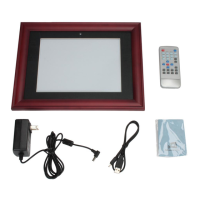
Front View



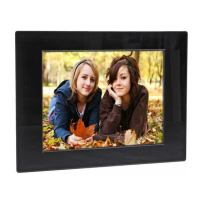
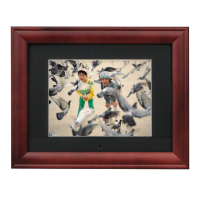
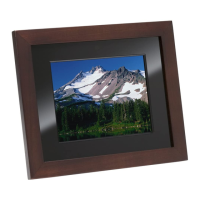


 To Next Page