Functions:
1. On/Off Power Switch:
Place the 2 x AAA batteries correctly in the battery
compartment.
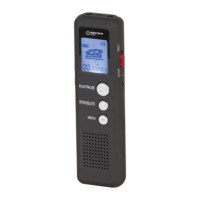
Press the “ ” Play/Pause button to turn “on”/ “off”
the voice recorder.
Power Off: Press & hold the “ ” Play/Pause button
for 5 seconds until it displays “Off”.
Power On: Press & hold the “ “ Play/Pause button
for 5 seconds to power the unit on.
The device will power off automatically if the
device has not been used within 3 minutes.
Please Note: The unit will not power off under
“VOR ON” state without voice operation. Instead it
will pause recording until voice is detected again.


 To Next Page