4
FEATURES
OPERATION INSTRUCTIONS
• Automatically or manually partition songs.
• Stand alone, no computer required.
• Plug & play.
• With Playback can check the recorded music on the device.
• Small size, can play, convert anywhere.
1. Get power supply
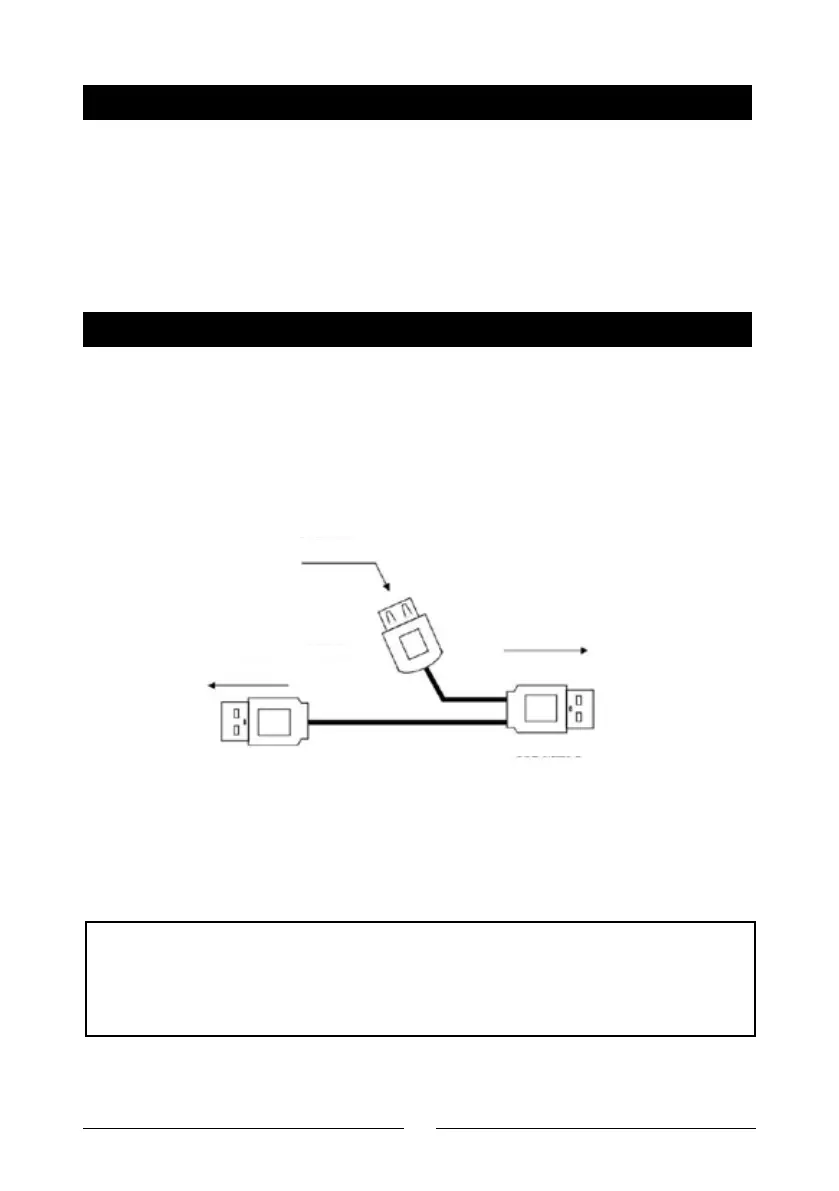
There are two ways to get power supplied for the device: Use 2 x AA batteries or
from any USB port power supply (5V DC adapter, USB from computer, etc), by
an USB cable (come with device in package) as below, if the DC adapter doesn’t
come with, you can use any USB port 5V DC adapter in your hand, 500mA to
1000mA is ok.
USB Flash
USB Female
To Device
To 5V DC
USB Male 2
USB Male 1
There is an AA/USB switch on the top of the device, please switch it in right place
according the way of power supply. (E.g. switch to AA if you use 2 x AA batteries,
or switch to USB if by DC adapter)
NOTE: We do not suggest use AA battery and DC adapter at same time,
even we already make a protect design to avoid the DC adapter charge the
normal AA battery when they are connecting same time. We still
hope you just use only one way power supply, for safety.
Chart 2



 To Next Page