5
NOTE: This volume is also control the input level of recording, it means if you
switch the level to “0” the level of recorded MP3 also be “0” then
There are two wrong ways of power supply:
(1) Use AA battery, but switch to “USB”, in this way, both cassette and recording/
playback won’t work, please switch to “AA” to get working.
(2) Use DC adapter, but switch to “AA”, in this way, the cassette won’t work, but
the recording/playback can work, and the indicator will be keeping on. Please
switch to “USB” mode if you want the device get to work.
Once power supply ok, you will see the green indicator is keep on.
2. Put a cassette tape in device
Open the tape lid from the top of device, and put a tape in, then close the lid.
3. Plug an USB flash
Use an USB flash which has enough storage space (about 1MB for 1 minute
music recording) plug into the device. Plug directly to USB port of the device
if use AA batteries. Plug to the female port of USB cable (see chart 2) if power
supply by DC adapter.
You can also use USB card reader or USB hard drive as storage (Note: some card
reader or USB HDD drive may cause problem when using).
4. Operate the cassette
You can use an earphone or a speaker plug to the “AUX” to listen music when
playing or recording music.
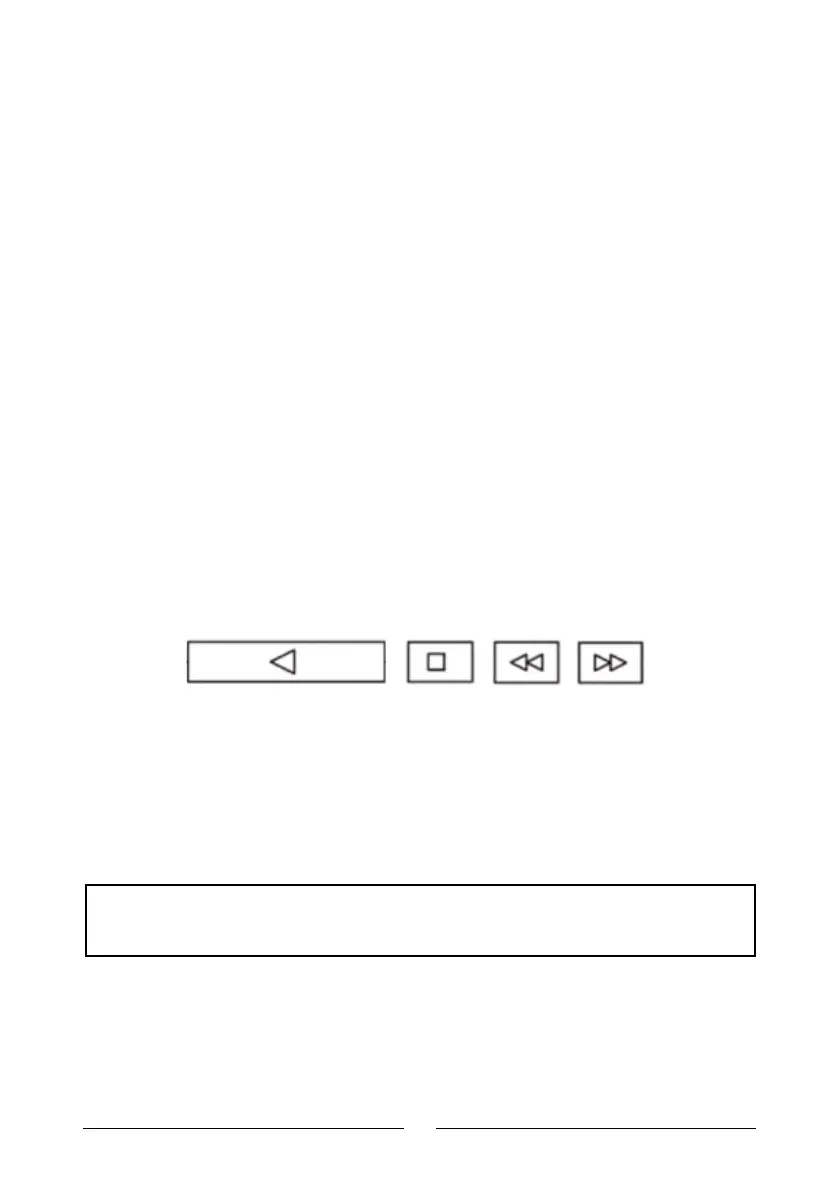
There are 4 buttons on the top of device:
Play Stop Fast
Forward
Rewind
Once you press the play button, the cassette player start to work, you can see the
wheel running through the small window, you can set the volume to a level you
like by use rotary switch , you may hear the playing music now, then let’s start
next step --- recording (converting).



 To Next Page