6
6
XC4132 Hardware Installation & Setup
l Hardware Installation
1. Power on your computer and until OS is ready after booting
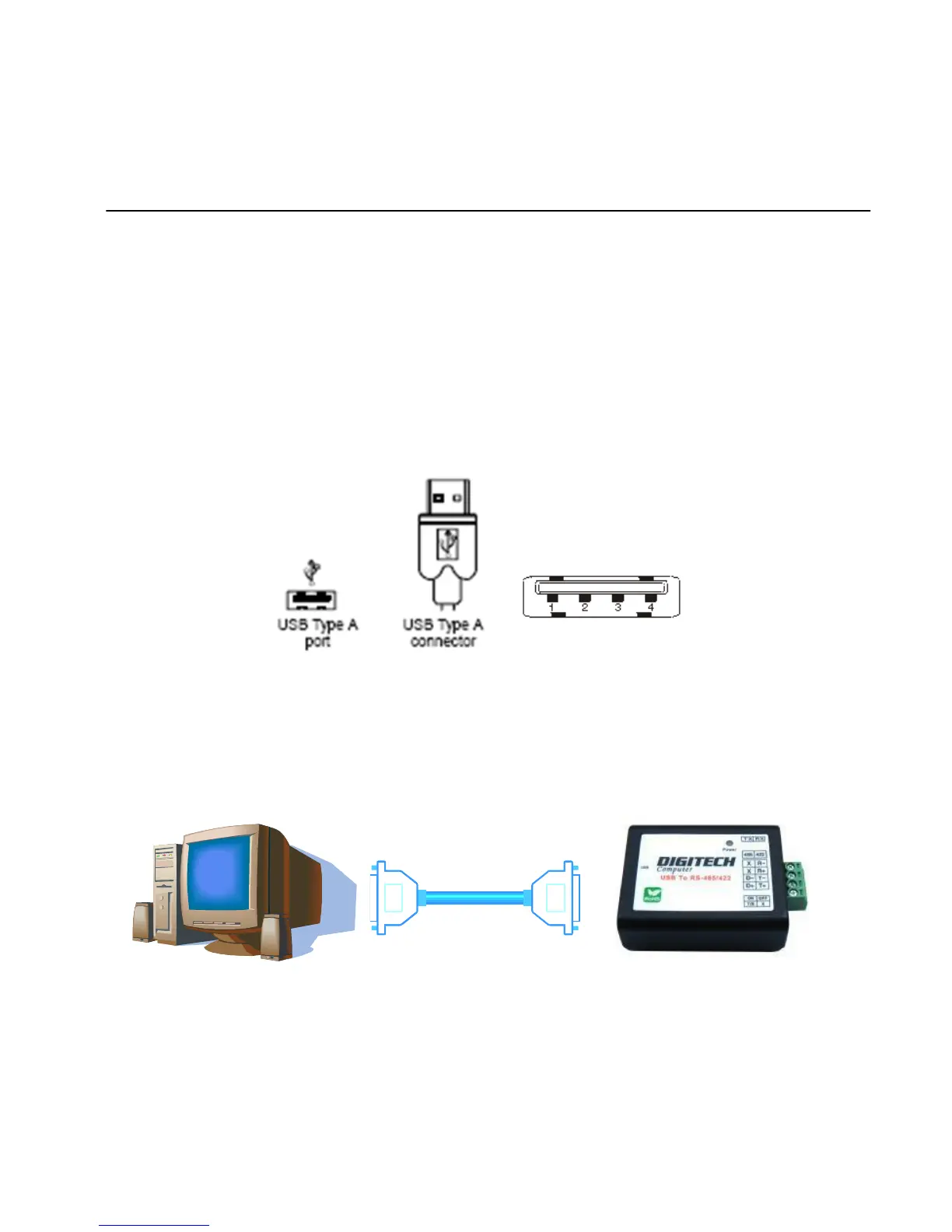
2. USB cable of type A has two distinct connectors to connect the cable from
USB device as on computer or USB hub.
3. Connect USB cable between PC USB port or USB hub and XC4132 adapter.
4. Connect the serial port RS-485/422 equipments to XC4132 of USB to serial
adapter.


 To Next Page