l Hardware Setup
When XC4132 adapter has been successfully connected and you can setup
more detail parameters by computer management.
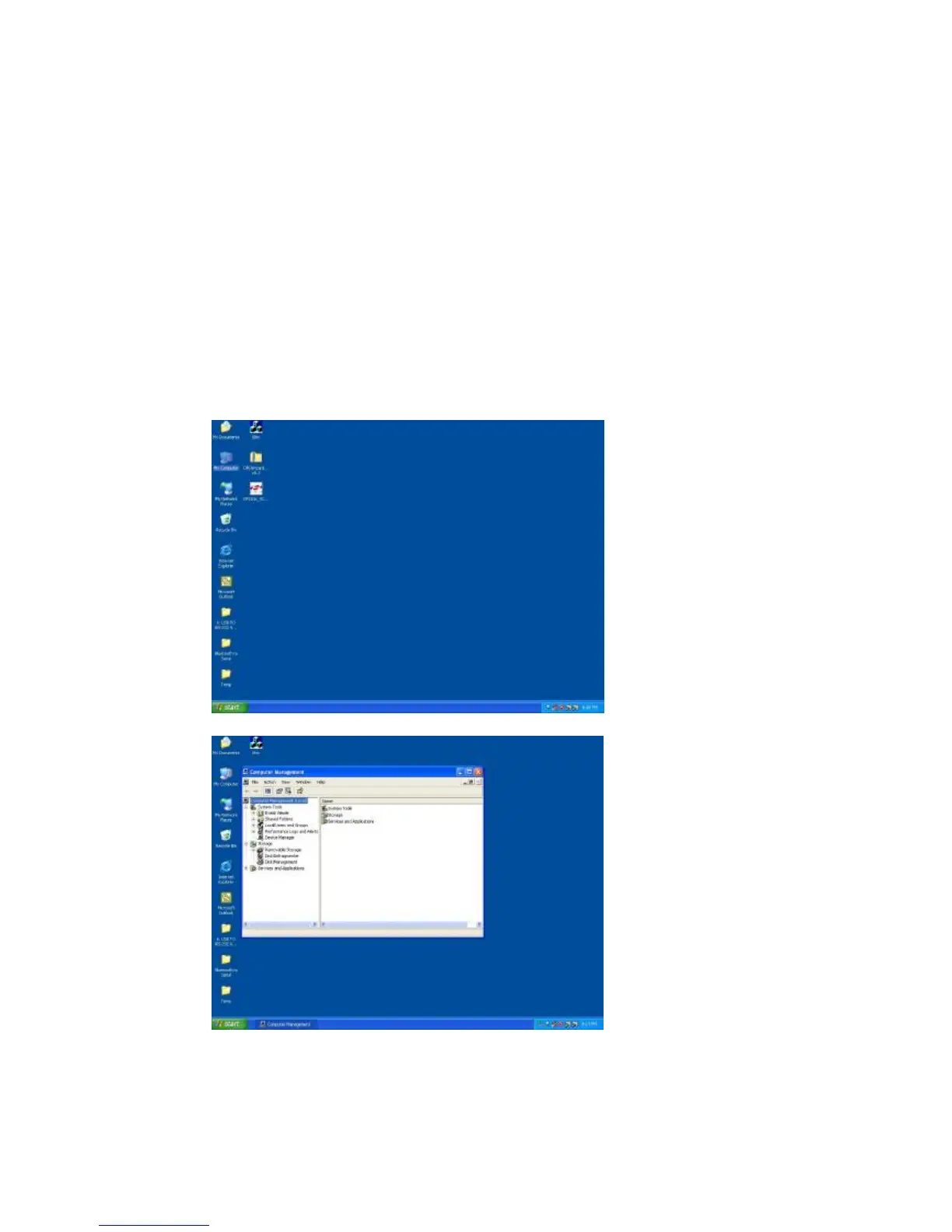
A. Into “Manage” icon in My Computer
Click “My Computer” icon and then press the right side button of
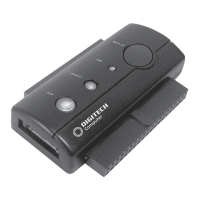
mouse. After you click the manage item on list bar then “Computer
Management (Local) list will be pop-up.


 To Next Page