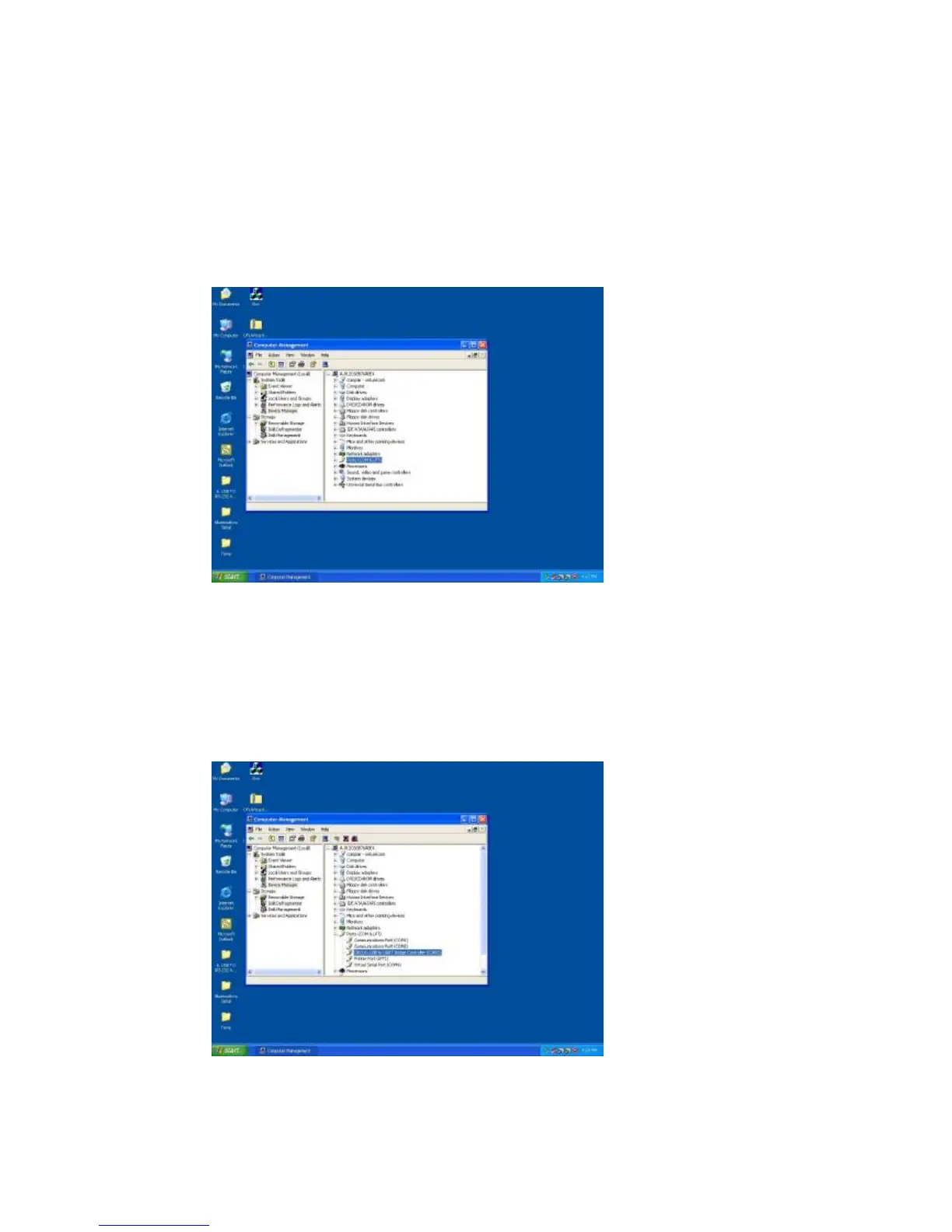
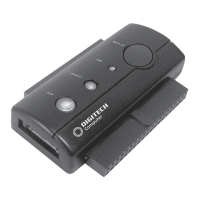
B. Choose “Device Manager” and click “Ports (COM & LPT)” in
Device Manager
Click “Device Manager” item, all devices of computer will be list on
right site of screen and then click “Ports (COM & LPT) item to look for
more COM devices.
C. Detail parameters of CP210x USB to UART Bridge Controller
Click “CP210x USB to UART Bridge Controller” to get more detail
information of the device.


 To Next Page