7
3. Listening to music
When DA-30501 is used as a receiver, you can connect it to a 3.5mm stereo
headset or stereo speaker with a 3.5mm to 3.5mm audio cable. Now you can
listen to music and control pause/play of music.
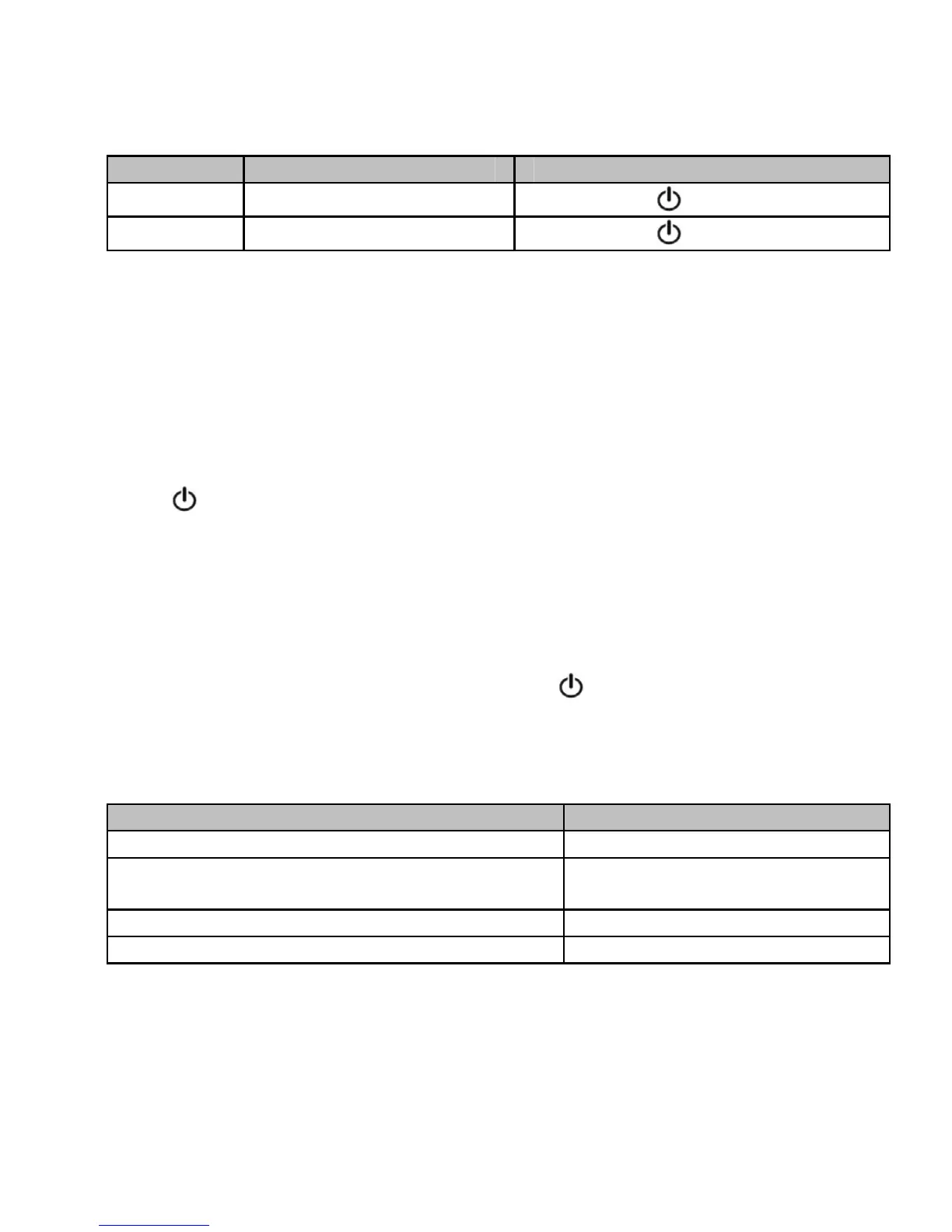
Function Status of the receive
Operation
Pause Playing music
Short press button once
Play Pausing
Short press button once
4. Reconnecting to a Bluetooth device
1) Automatic connecting
Every time the receiver is switched on, it will automatically connect to last
connected device.
2) Manual connecting
When the receiver is in standby mode and doesn’t connect to any devices, short
press button once, it will automatically connected to last connected device.
5. Auto-off
The receiver will automatically switch off if no devices can be connected within 5
minutes.
6. Clearing pairing list
Make sure the receiver is off, press and hold button for about 10 seconds,
and don’t release it until red LED is on for 1 second and then blue LED is on for 1
second.
7. LED indicator
LED indicato
Status of the receive
Red and blue LEDs flash alternately Pairing mode
Blue LED flashes once every 1 second Standby mode and not
connected to a device
Blue LED flashes twice every 4 seconds Connected to a device
Red LED flashes Low power


 To Next Page