13
Accessing a Device
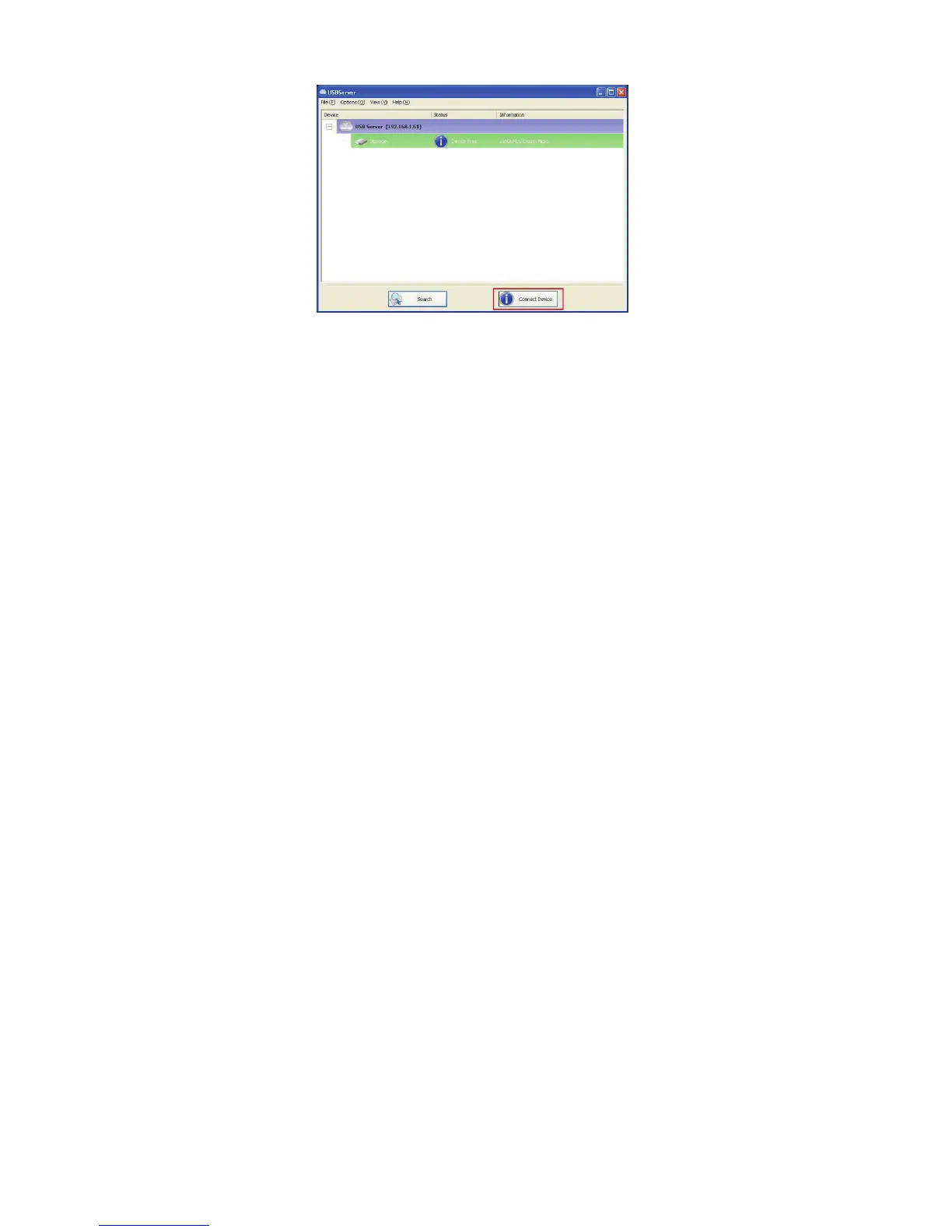
To connect to a USB device, please select it on the tree view and click
on Connect Device button or double-click on it. This process might take
a few seconds up to a minute, depending on the complexity of the device.
Then you can operate a connected USB device as if it is connected
to your PC’s USB port directly.


 To Next Page