14
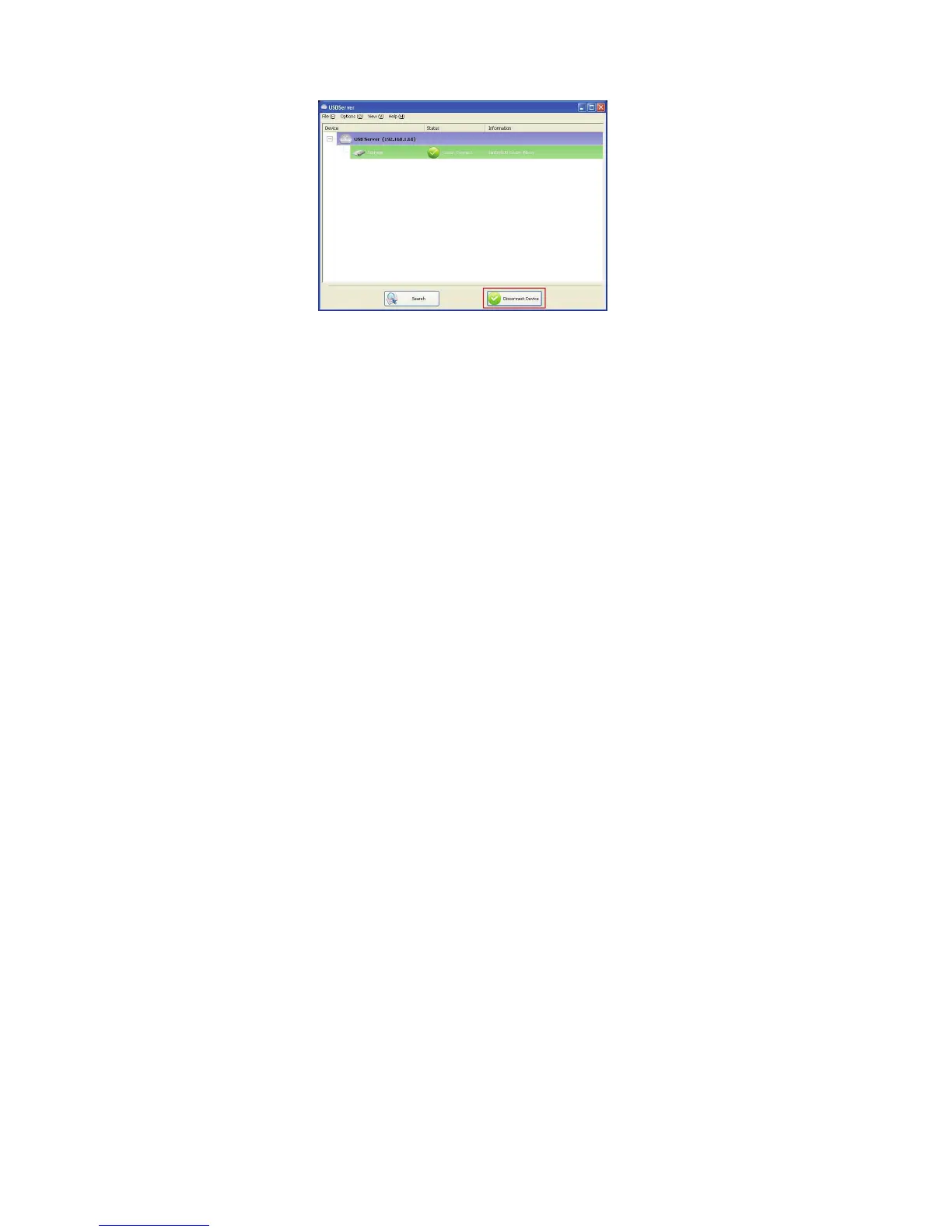
If you select a connected device on the UI, you can see that the
Connect Device button is changed to Disconnect Device:
Clicking on this button releases the selected device for other users.
Once you see the icon turns back, the device has been disconnected
and other users will then be able to connect to it.
This operation is exactly like when you unplug a USB device from
your PC’s USB port.


 To Next Page