EasyManua.ls Logo

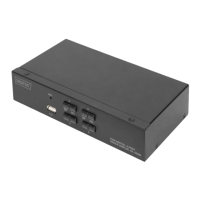
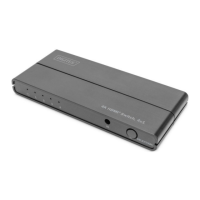
Digitus DS-45329 - User Manual

Digitus DS-45329
6 pages
Print Icon
To Next Page IconTo Next Page
Loading...
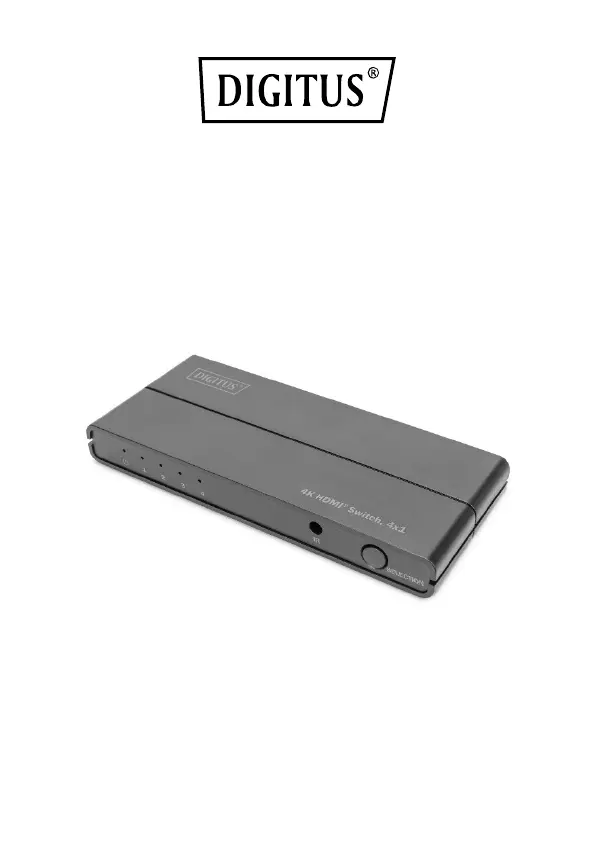
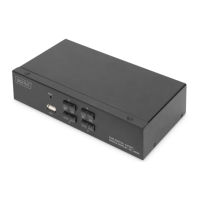
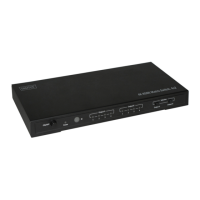
4K HDMI Switch, 4x1
Quick Installation Guide
DS-45329

Questions and Answers

  • H
    Heidi BrownAug 10, 2025
    What to do if the Digitus DS-45329 remote control can't work properly?
    • V
      Vanessa SheltonAug 10, 2025
      If the Digitus Switch remote control isn't working, first, make sure to remove the battery seal. If it still doesn't work, try replacing the battery with a new one.
  • E
    Eric LeeAug 20, 2025
    Why Digitus DS-45329 power light is off and the product is not working?
    • J
      Jennifer MarquezAug 21, 2025
      If the power light is off and the Digitus Switch isn't working, it might be due to the USB power cable not being properly connected or the HDMI input source not being on. Check that the power adapter is correctly connected and that the HDMI input source is switched on.
  • B
    Brittney KimAug 31, 2025
    What to do if I see screen splash using Digitus DS-45329?
    • M
      Matthew MartinAug 31, 2025
      If you're experiencing screen splash with your Digitus Switch, the HDMI cable may not meet HDMI 2.0 specifications or it might be too long. Use a standard HDMI 2.0 cable. The input/output cable length should not exceed 4 meters for 4K/60Hz 4:4:4, while 4K@30Hz/1080p can reach 10 meters.

Digitus DS-45329 Specifications

General IconGeneral
Switch typeUnmanaged
Switching Capacity16 Gbit/s
MAC address table4000 entries
Store-and-forwardYes
Power supply includedYes
Product colourBlack
LED indicatorsYes
Dimensions159 x 105 x 27 mm
Weight450 g
Product TypeSwitch
Jumbo frames9000
Power SupplyExternal

Related product manuals