
 To Next Page
K
kjimenezAug 5, 2025
What to do if keyboard and/or mouse not responding on Digitus Switch?
- SshafferjaredAug 5, 2025
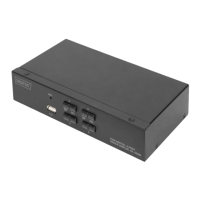
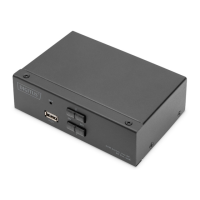
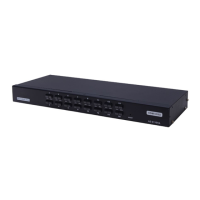
If your keyboard and/or mouse are not responding when connected to the Digitus Switch, first check the cable connecting the switch to the computer to ensure it is properly connected. If the connection is secure, try resetting the KVM switch by pressing the reset button on the rear panel.
 General