12
Wheel diameter
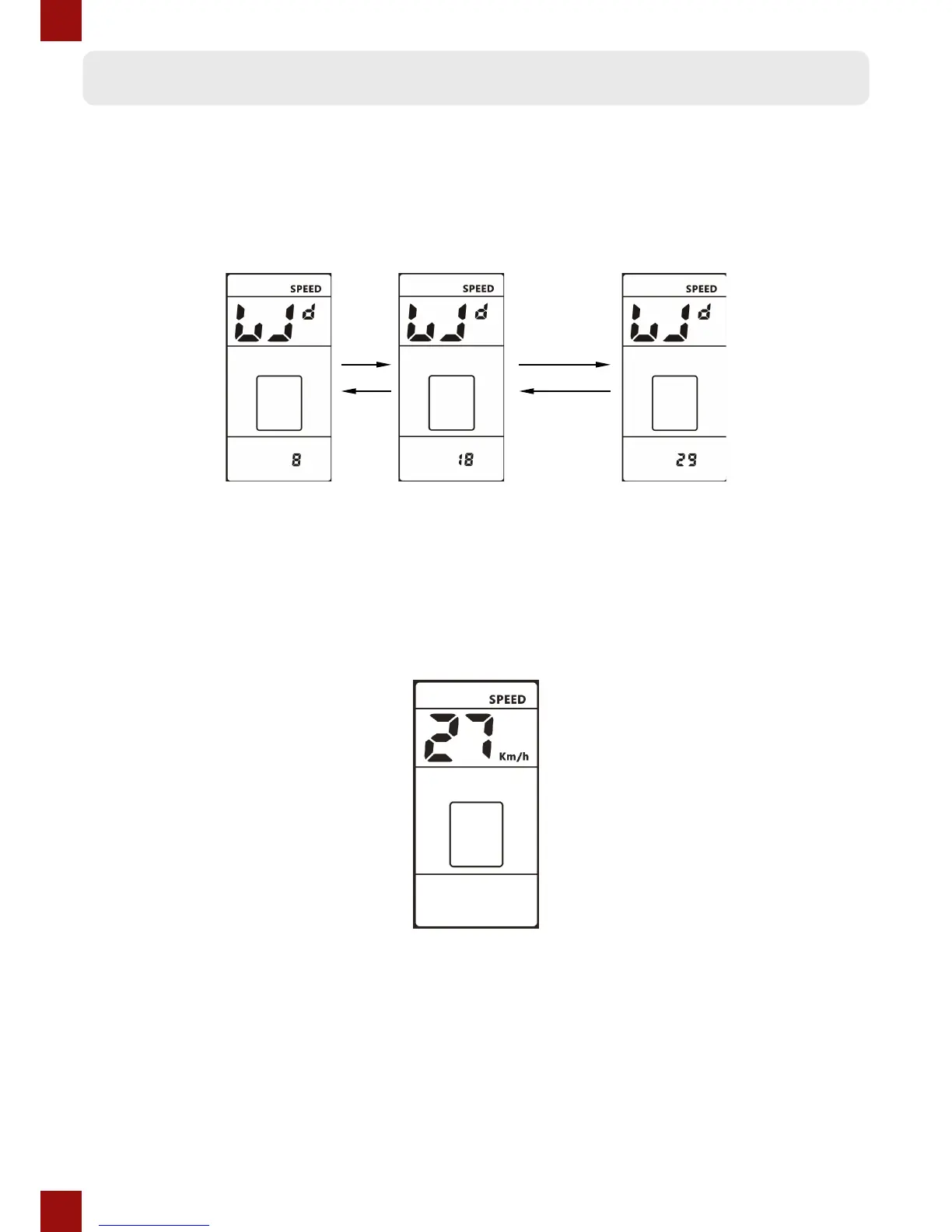
The symbol Wd shows on the top, press the UP or DOWN button to change between the
values 8/10/12/14/16/18/20/22/24/26/27/28/29, the value represents the diameter of the
wheel (in inches). A wrong wheel diameter setting will cause an incorrect speed reading.
Speed limit
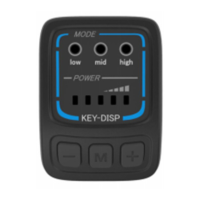
The speed limit shows on the top, the default value is 27km/h. Press the UP or DOWN buttons
to change the limit; the limit can be set from 10 to 99km/h. Press the POWER button to
conrm when you’ve nished setting the speed limit.
The maximum speed that can be reached is restricted by the specs of the motor and controller.


 To Next Page