11
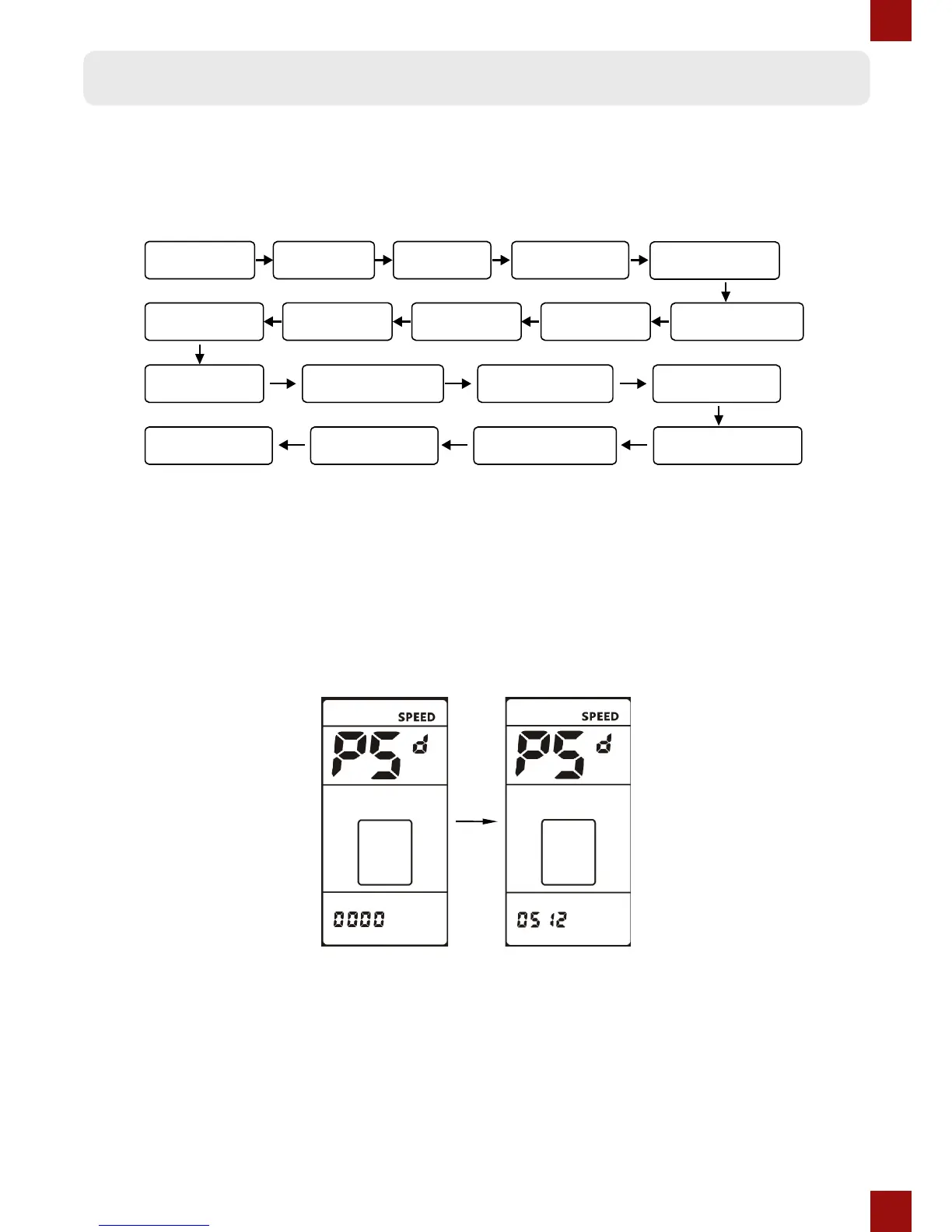
Password Parameter settings
Press and hold the UP & DOWN buttons together for 1 second to get into the Basic
Parameter settings, then press and hold the UP & DOWN buttons together for 1 second
again to get into the Password Parameter settings.
Password
The symbol PSd shows on the top, and you need to enter the password. Press the UP or
DOWN buttons to change the password value (0~9) and shortly press the POWER button to
the next value. The password is 4 digits, the default password is “0512”. Press the POWER
button when you nished entering the password. The display will return to the Speed (Real-
Time) display automatically if the password is incorrect. With the correct password you will
enter the Wheel diameter setings.


 To Next Page