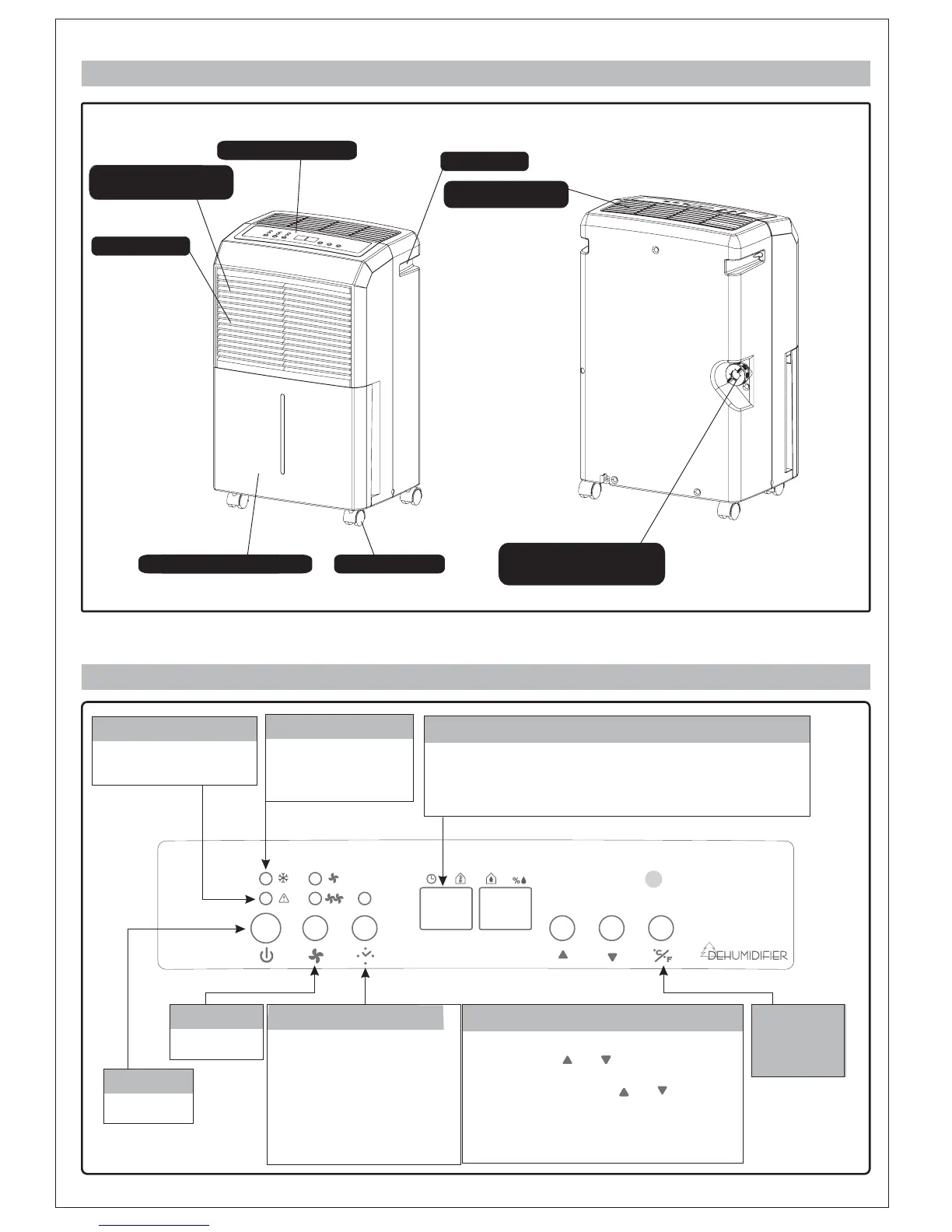
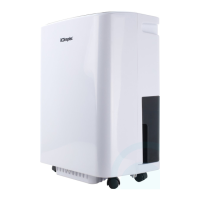
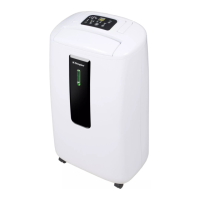
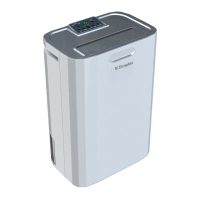
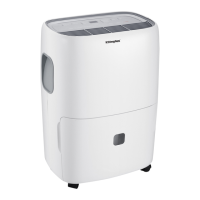
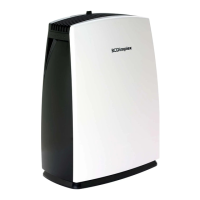
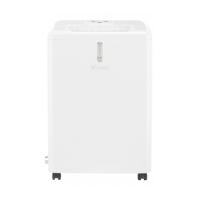
CASTORS
WATER STORAGE TANK
OUTLET FOR
DEHUMIDIFIED AIR
HANDLE
CONTROL PANEL
CONTINUOUS
DRAINAGE OUTLET
AIR INLET
AIR FILTER
- 2 -
DESCRIPTION OF COMPONENTS
FUNCTION EXPLANATION
DEFROST LAMP
When temperature is low,
unit goes into defrosting
mode
BUCKET FULL INDICATOR
Water tank is full,when
lit
FAN SPEED
High / Low
TIMERS
When unit is on, press
"TIMER"to set hours
the unit will run before shutting off
When unitisonstand-by, press
"TIMER" set hoursuntilunit will
turn on.
Time1~24 hours.
To cancel the timer, proceed
as above but set the "timer off"
to zero hours.
POWER
On / Off
When machine is running, it displays the current temperature. Press
the "Timer" button to set the machine to shut off automatically after a
specified amount of time. 10 seconds after displaying the timer, the
display will change back to current temperature.
CURRENT TEMP / TIMER SET DISPLAY
When machine is running, it displays the current
humidity. Press " " or " " to select humidity
setting. The humidity is adjusted in an increment
of 5% by each pressing of " " or " ". Adjustable
range is within 30%RH to 90%RH. 10seconds
after setting humidity, the display will change
back to the current humidity.
SET HUMIDITY / CURRENT HUMIDITY DISPLAY
Press the
switch buttons,
it will switch at
sequence of
andF.
C/F
C



 To Next Page