Setting the Advanced settings (continued)
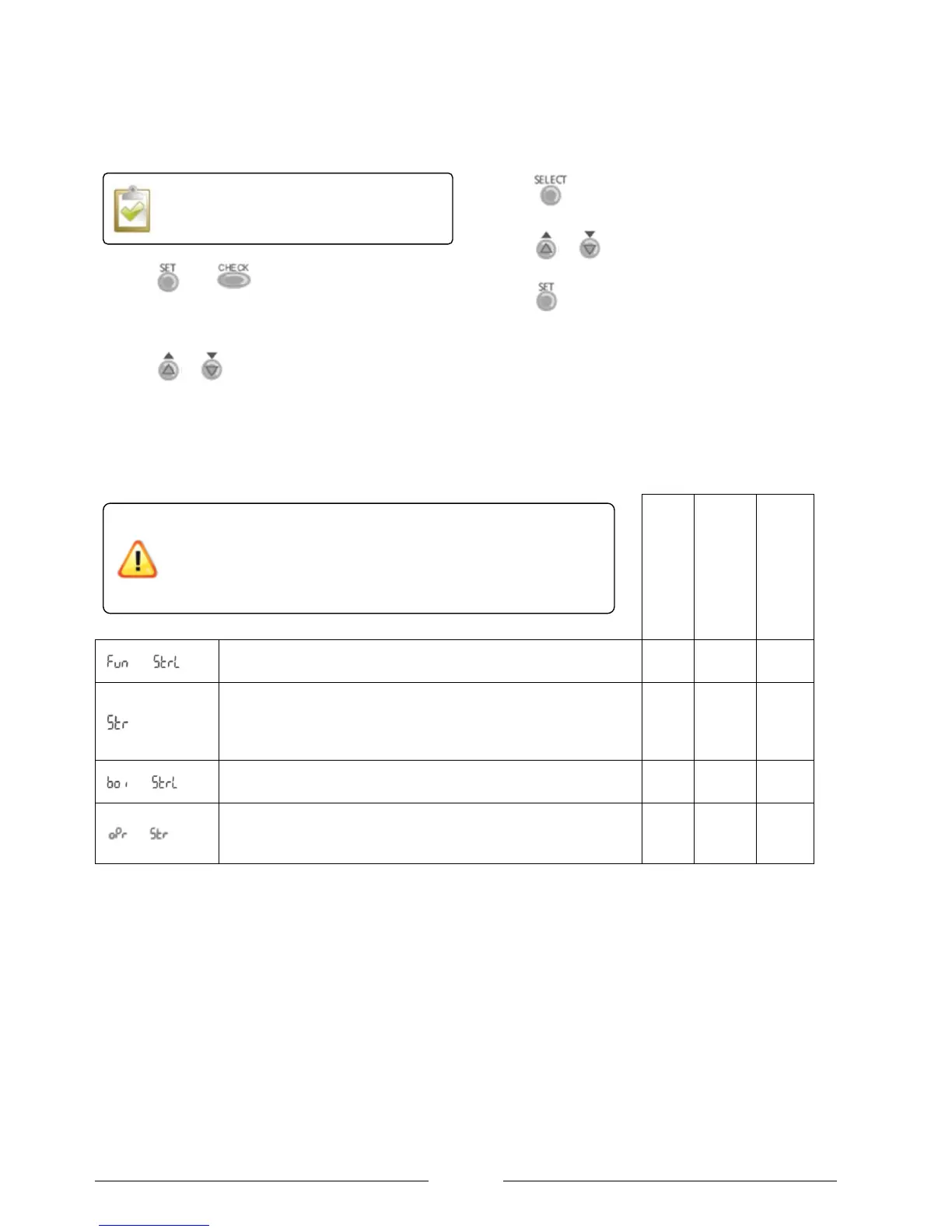
1. Press and for 5 seconds to enter the
advanced settings mode. The “SETTING” indicator will
be displayed.
2. Press or to scroll through the functions.
3. Press to enter the function.
4. Press or to select the desired value.
5. Press to confirm.
Table 4: Suggested Special Functions menu settings.
Heating and DHW
(Packs 1 and 2)
Sterilization (Yes / N0)
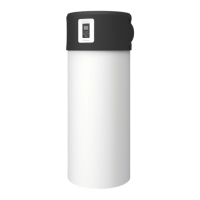
To sterilization of the DHW cylinder.
Sterilisation Day & Time set
To the start time for sterilisation once per week.
Sterilisation temperature
To set the temperature for sterilisation function (40C ~ 75C)
Sterilisation continue time
To set timer to maintain heating temperature in order to
complete the sterilisation function (5minutes ~ 1 hour)
The water in the DHW cylinder will be much hotter than usual
during the sterilisation process and this very hot temperature will be
stored in the cylinder until it is drawn off.
Ensure that adequate means of preventing scalding have been
implemented such as Thermostatic valves at the outlets.
The special functions can only be set if the
Operation LED is OFF.



 To Next Page