21
Settings
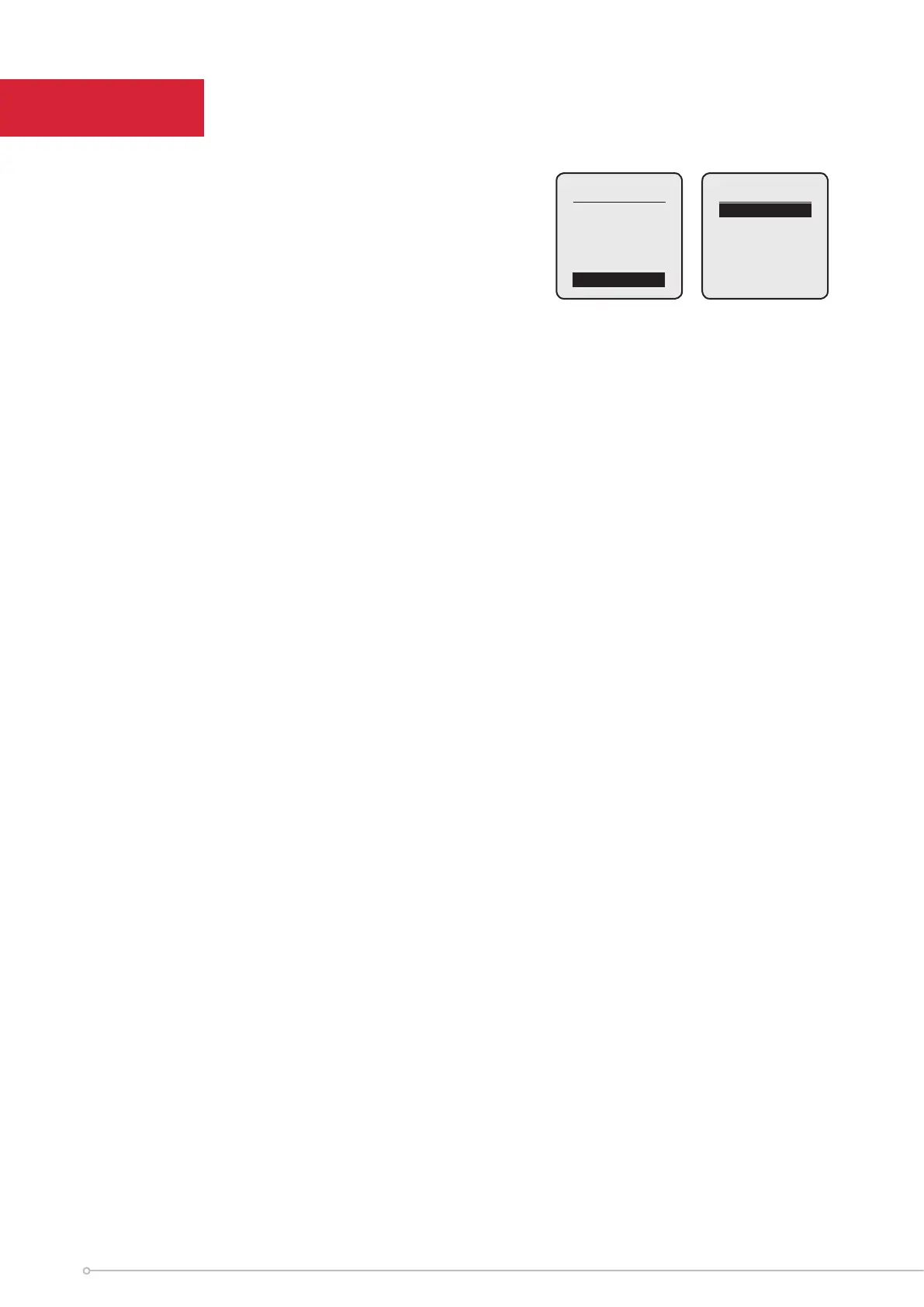
To navigate to the Settings Menu, from the Home Screen:
Press the Menu button to access the Main Menu. Use the Up
/ Down buttons to highlight ‘Settings’, then press the Enter
button. Each of the following headings relate to an item in
the settings menu.
Settings
Heater Lock
Boost
Setback
Date / Time
Sound
v
Set Lock
Heater (PIN) Lock can be enabled here by highlighting ‘Heater Lock’ and pressing Enter to enter the Heater
Lock menu. Highlight ‘Set Lock’, press Enter, enter a 4-digit PIN code, then press Enter to lock the heater.
Lock Settings
Before PIN Lock is enabled, the User can select ‘Lock Settings’ to enable/disable the Advance and/or Boost
functions, as well as enable/disable modification of the Boost Temperature and Boost Duration. See below.
Boost Lock
Three settings can be modified within this Menu:
• Enable / Disable - The ‘Boost’ Menu Item can be Enabled/Disabled while PIN Lock is active.
• Temperature Rule - Modifiable Boost Temperature while PIN Lock is active
- Enable – While Boost is active, the User can modify this value as they normally would
- Disable – Default value will be loaded. When the user tries to modify the value, the UI will
show the following text: ‘Disabled’.
• Duration Rule - Modifiable Boost Duration while PIN Lock is active.
- Enable – While Boost is active, the User can modify this value as they normally would
- Disable – Default value will be loaded. When the user tries to modify the value, the UI will
show the following text: ‘Disabled’
Advance Lock
• Enable / Disable - This setting allows the User to Enable or Disable the Advance button while UI
Lock is active.
Heater Lock
Main Menu
Boost
Modes
Settings


 To Next Page