Troubleshooting & Factory Reset
9
Understanding the Indicator Light
Steady Red: Not connected to Wi-Fi
Blinking Red: Ready for Wi-Fi setup
Steady Green: Firmware updating
Blinking White: Speaker booting up
Steady White: Wi-Fi setup complete
Troubleshooting or Changing Your Wi-Fi Connection
If the indicator light is red or you are having other issues with your
speaker, you can reset the Wi-Fi connection. To do so, press & hold
the “+” and “–” buttons at the same time until the indicator light
flashes. Once it begins blinking red, follow the instructions on page 2
to set up your speaker again.
You may also need to update your speaker. Follow instructions on
page 8 to do so.
Factory Reset
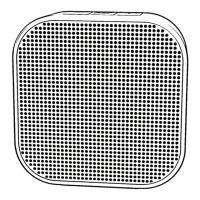
You can reset your Node
to factory conditions by
pressing & holding the
middle and “+” buttons at
once. This will completely
reset your speaker.
Steady Blue: Speaker in use


 To Next Page