Dionex ICS-6000 Installation Instructions
82
Doc. 22181-97001 02/18
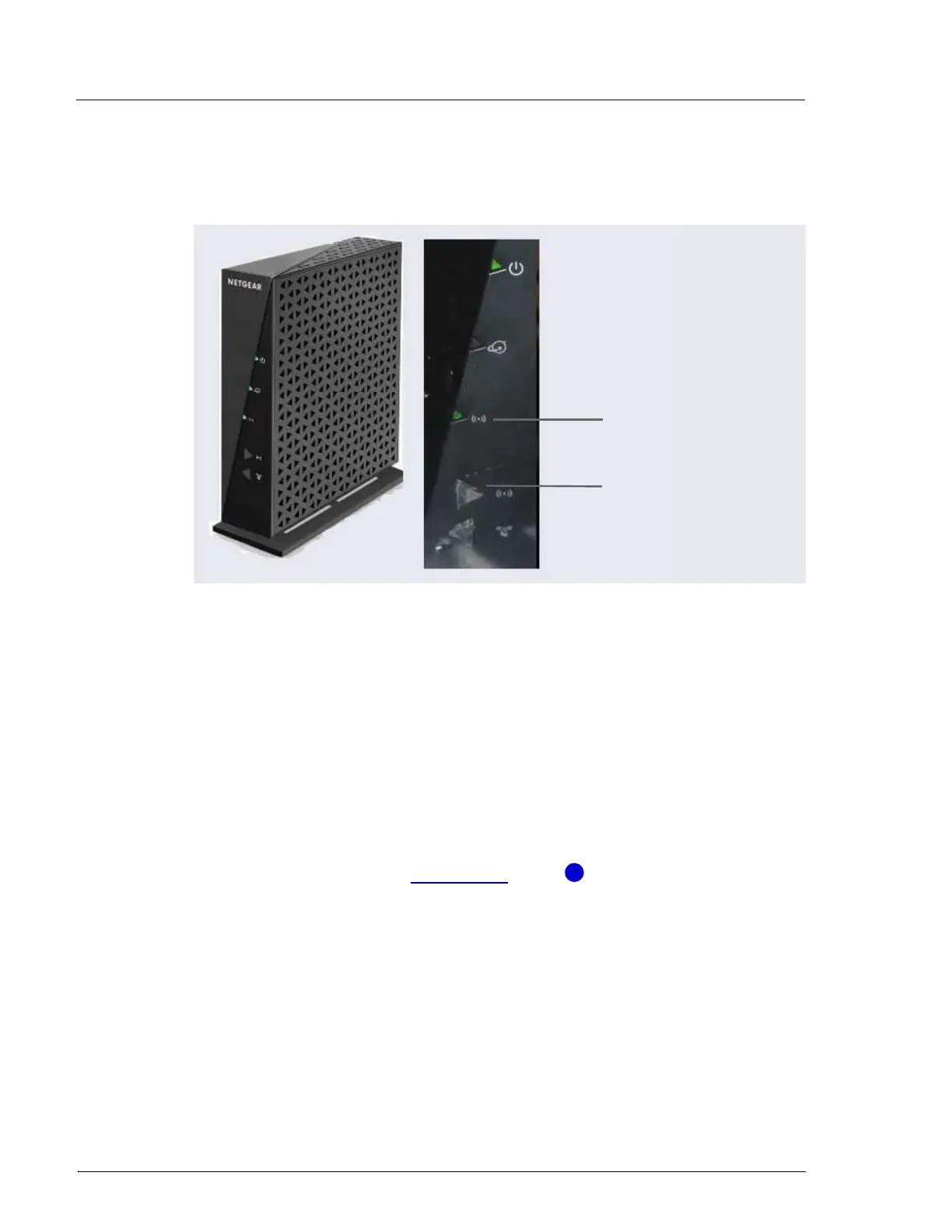
otherwise. If necessary, push the wireless on/off button to change the
mode.
3.10.2 Installing an Ethernet Instrument PC
IPC to Router Connection
This section contains setup instructions for an IPC connected via Ethernet. An
Ethernet connection is required if the IPC does not have wireless connectivity
of if IT policy prohibits wireless connections.
1. If an Ethernet port is not available on the IPC, attach the cable connector
on the USB-to-Ethernet adapter (P/N 00302-99-00131) in the kit to a
USB port on the IPC (see Figure 3-43, item ).
Figure 3-41. Wireless Router On/Off Button and Status Light
Wireless On Light
Wireless On/Off
Button
1



 To Next Page