3 • System Setup
Doc. 22181-97001 02/18
89
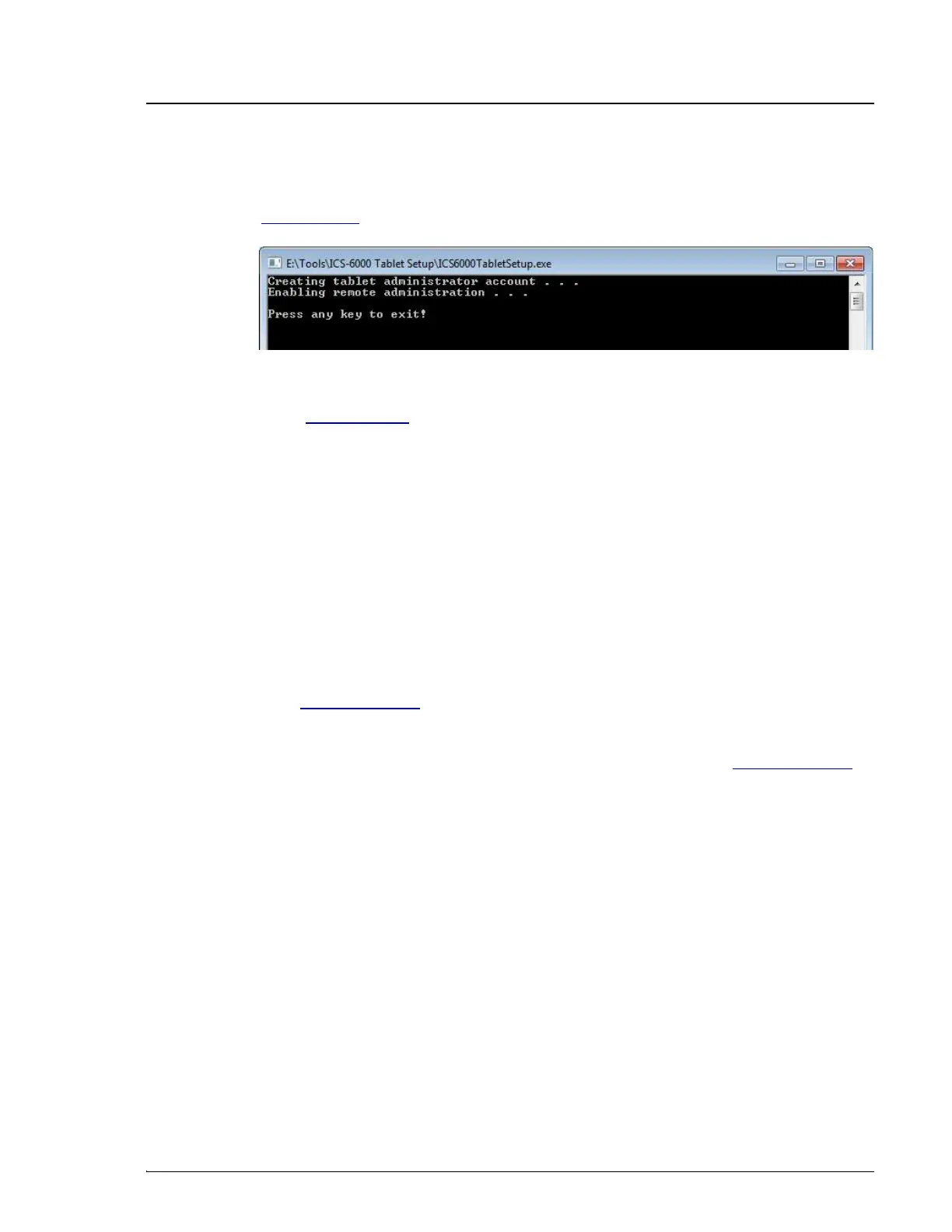
5. The utility begins running automatically. When installation is complete
(within a few seconds, press any key to close the command window (see
Figure 3-47).
Go on to Section 3.12.
3.12 Introduction to Pairing
Pairing is the process of linking, or associating, the tablet with the
Chromeleon instrument PC (IPC). Pairing enables communication between
the tablet and the IPC, which can then transmit commands to the Dionex ICS-
6000 via Chromeleon.
There are two pairing procedures:
•
Thermo Fisher Scientific recommends the automatic pairing procedure
(see Section 3.12.1).
•
If automatic pairing is unsuccessful, repeat the automatic pairing
procedure or perform the manual pairing procedure (see Section 3.12.2).
Prerequisites for Pairing
•
Decide which tablet and IPC to pair for mobile access to the Dionex ICS-
6000.
•
A tablet can pair with (and control) only one Dionex ICS-6000
IPC at a time. After pairing, the tablet cannot be used with any
other Dionex ICS-6000 until it is paired with another IPC.
•
In order for a paired tablet and an IPC to communicate with each
other, they must be connected to the same network.
•
Verify that Chromeleon is installed on the selected IPC.
•
Verify that you have Chromeleon administrator rights on the selected IPC.
Figure 3-47. ICS-6000 Tablet Setup Utility Command Window


 To Next Page
 Loading...