3 • System Setup
Doc. 22181-97001 02/18
91
3. Upon reading the QR code, the tablet powers up and the startup screen is
displayed. Tap the Thermo Fisher Scientific icon in the center of the
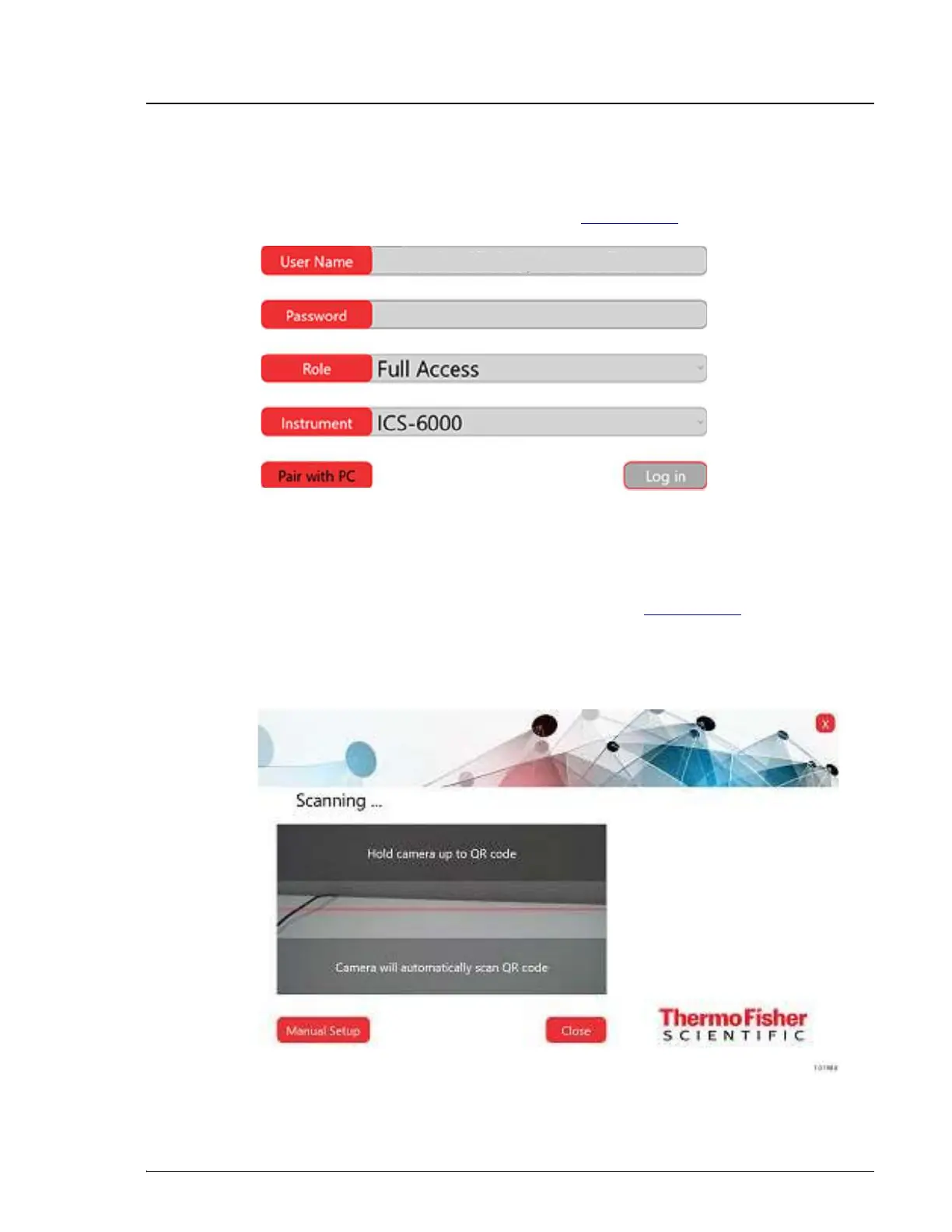
screen to display the Log In page (see Figure 3-50).
4. Tap Pair with PC. This selects camera mode for the tablet.
5. When the Scanning window is displayed (see Figure 3-51), prepare to
scan the QR code with the tablet camera. To do so, hold the tablet so that
the entire QR code is displayed squarely on the tablet. When properly
aligned, the QR code is captured and the tablet camera is turned off.
Figure 3-50. ICS-6000 App Log In Page
Figure 3-51. Scanning the QR Code


 To Next Page
 Loading...