- 10 -
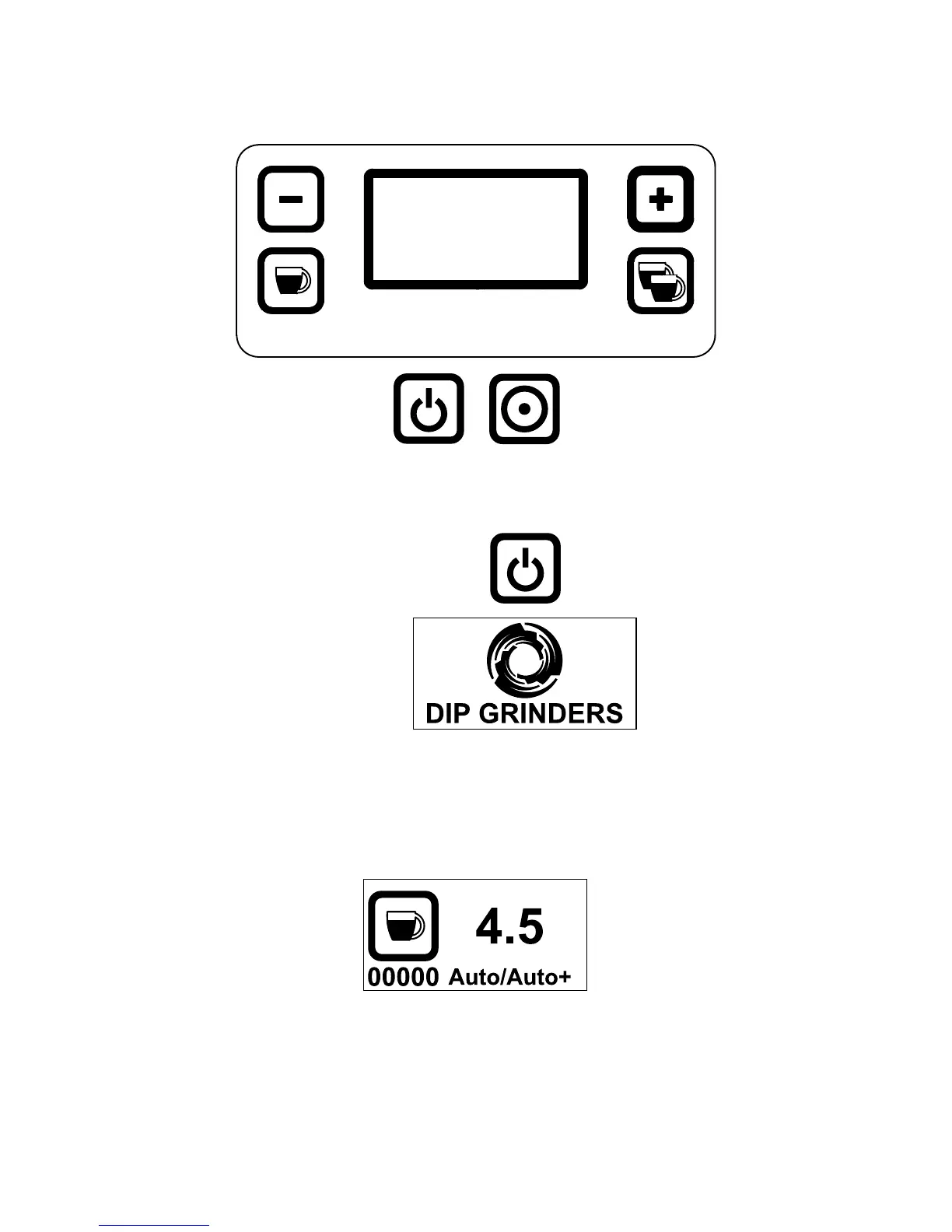
Display and functions
1. Starting the machine:
Flick the main switch:
The company’s logo appears
Few seconds after: The Single cup menu appears.
Auto grinding mode as default.
To shift between grinding modes see Chapter 6
00000 = Partial doses counter, can be reset periodically (see Chapter 7)
4.5 = Nr of seconds per dose
Auto = Grinding mode, to change (see Chapter 8)



 To Next Page