- 11 -
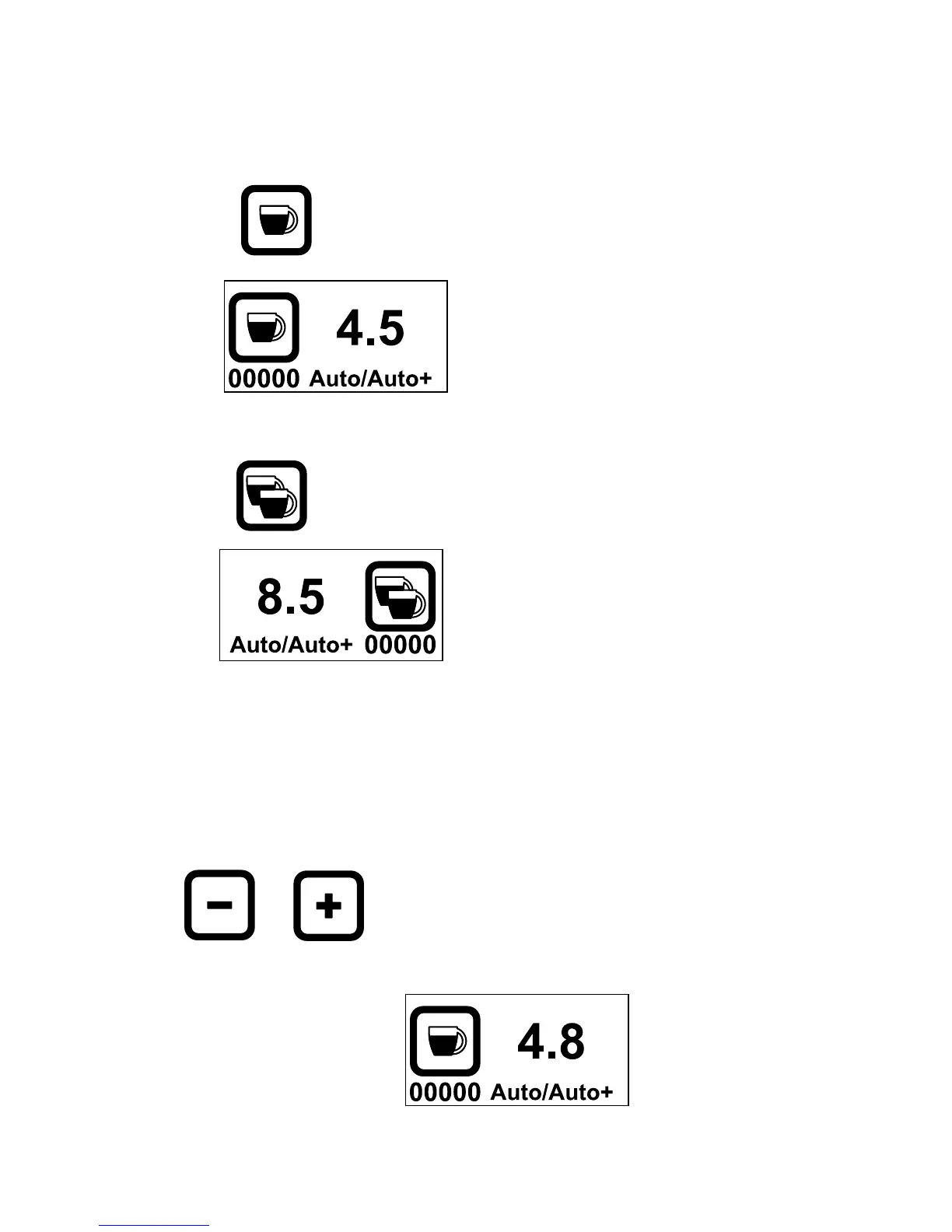
2. Choosing between Single or Double Dose
a. Single shot (Default)
Press
To choose for single
The
pictogram appears
b. Double shot
Press
To choose for double
The
pictogram appears
3. Setting the grinding time
a. When single
When machine is set for single doze, press:
or To increase or decrease the grinding time
The Grinding time increments with 0.1 sec. ex 4.5, 4.6, 4.7, 4.8.



 To Next Page