- 14 -
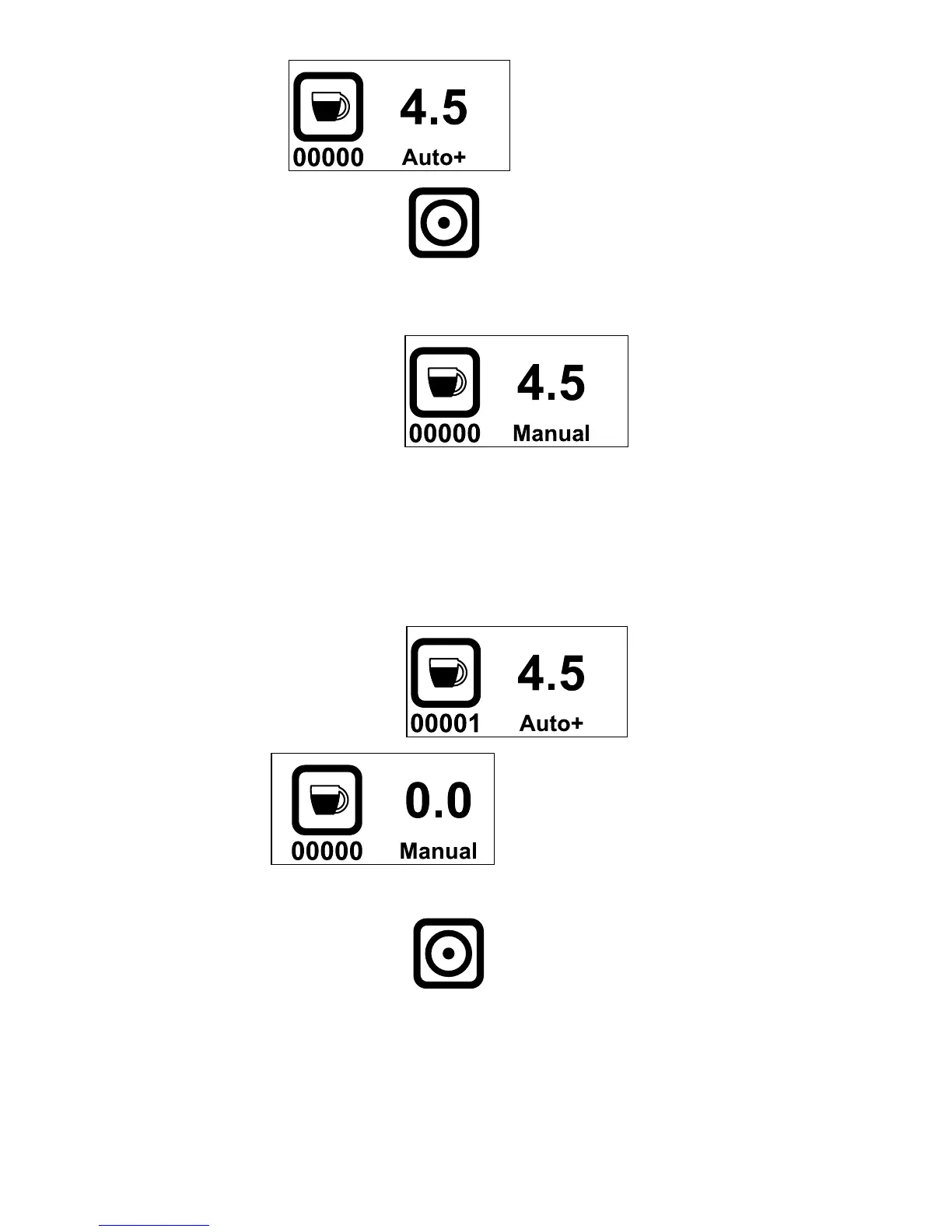
Auto plus:
When the grinding switch is struck shortly:
The machine grinds for the preset time. When the cycle ends, for 5 seconds the
word Manual appears.
During these 5 seconds:
The grinding switch activates grinding for as long as it is kept pressed.
Every time the switch is pressed those 5 seconds are reset.
After 5 sec of not touching the grinding switch the display turns to
Auto+ After each cycle the counter increments with 1.
Manual:
When the grinding switch is struck the machine runs for as long as
the switch is kept pressed, the seconds counter starts with 0.0:
During grinding the number of seconds of motor functioning increment with
0.1
Ex.: 0.1, 0.2, 0.3, etc, 3.1, 3.2, 3.3, 3.4 etc.



 To Next Page