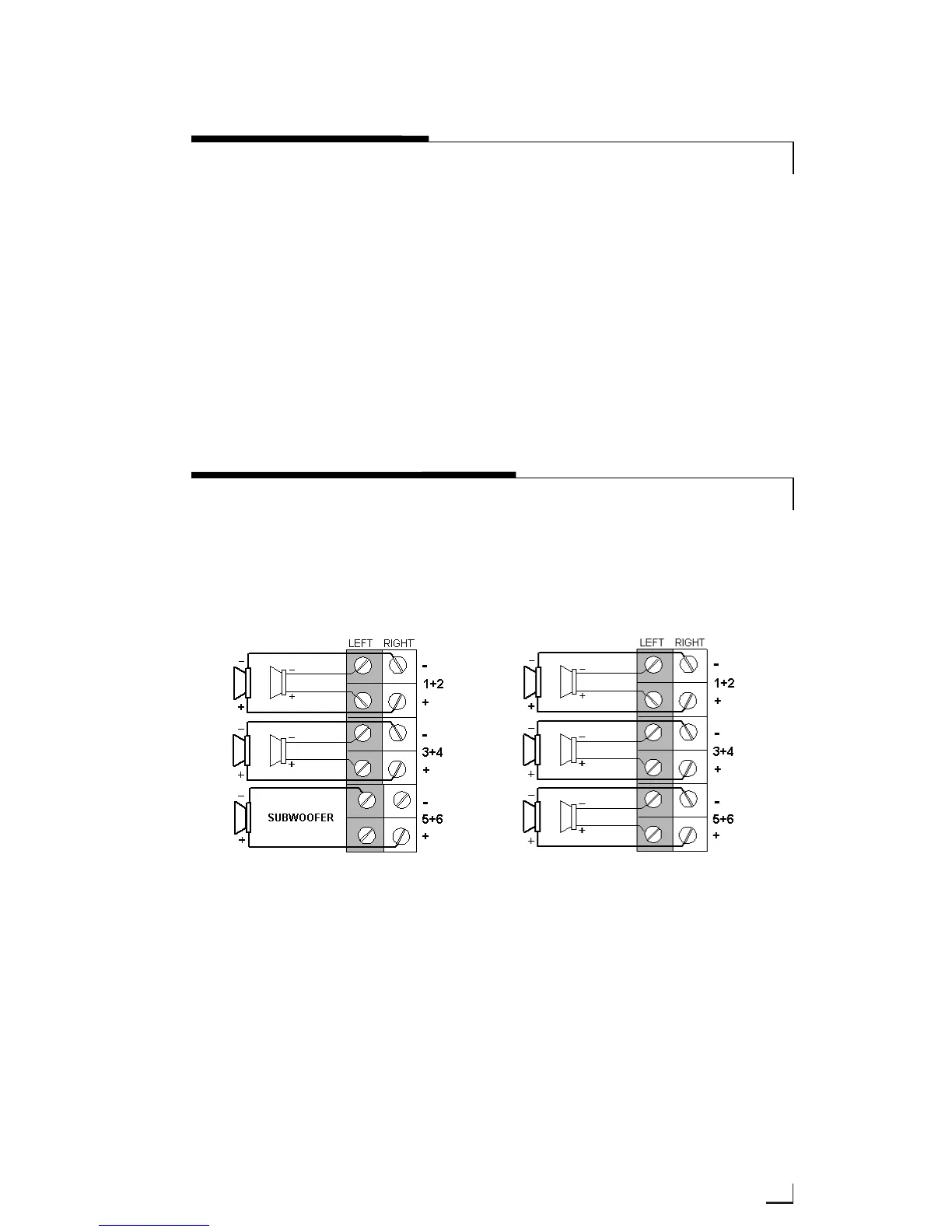
SPEAKER WIRING DIAGRAMS
11
© 2002 Directed Electronics, Inc
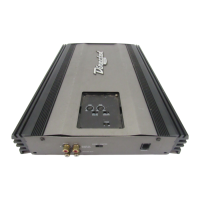
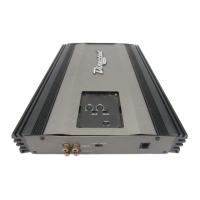
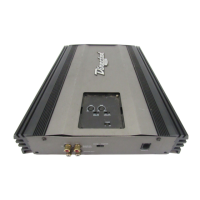
Control Panel Cover
The gain and filter controls are located
under a control panel cover on top of
the amplifier. The control panel cover
must be removed to gain access to the
gain and filter controls.
Remove/Install
Four Allen-head screws hold the control
panel cover to the amplifier top panel,
one at each corner. They can be
removed with the wrench supplied in
the hardware pack.
TOP PANEL FEATURES
Stereo operation (top view)
Four Channel Stereo with Mono Sub
Six Channel Stereo



 To Next Page