77
© 2004 Directed Electronics, Inc
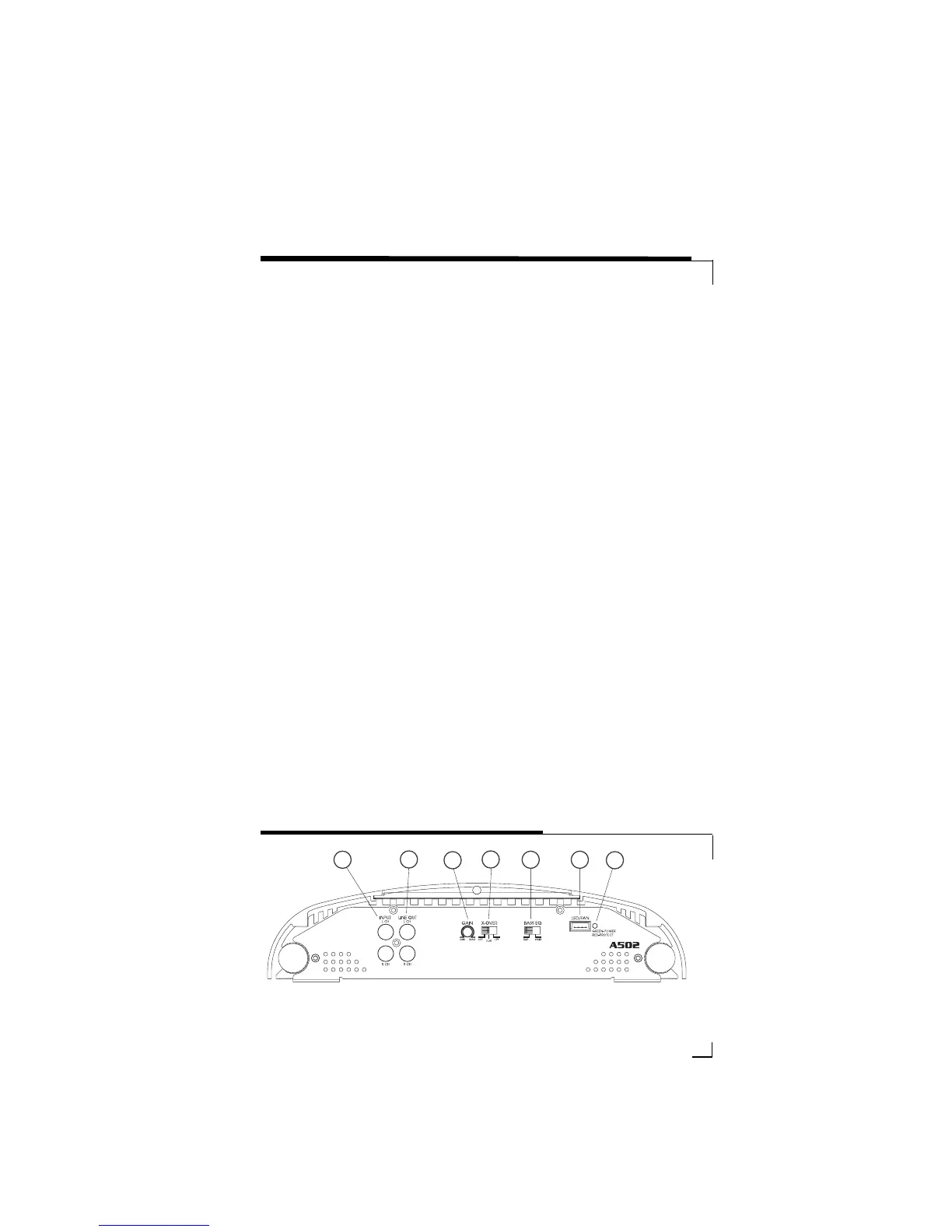
1.
RRCCAA IInnppuutt JJaacckkss --
Accepts line level
outputs from head units or signal
processors at voltages between
150mV and 7.5 volts.
2.
RRCCAA OOuuttppuutt JJaacckkss --
These pass
through RCA jacks can be used to
send the input signal to a second
amplifier.
3.
GGaaiinn CCoonnttrrooll --
Controls amplifier
sensitivity and is used to match the
input level of the amplifier to the
output level of the signal source.
4.
CCrroossssoovveerr SSeelleeccttiioonn SSwwiittcchh --
Controls the type of filter for the on-
board active crossover. FLAT does
not attenuate any frequencies and
is for full-range speaker systems.
HPF attenuates low frequencies and
is used for mid-range speakers and
tweeters. LPF attenuates high
frequencies and is used for
subwoofers speakers.
5.
BB
aassss EEQQ SSwwiittcchh
- Adds an additional
8 db of boost to the speaker output
when on.
6.
LLiigghhtt BBaarr//FFaann
- Allows connection
of an
ooppttiioonnaall
LED light bar or
ooppttiioonnaall
additional cooling fan for
the amplifier.
7.
SSttaattuuss LLEEDD
- Will illuminate GREEN
to indicate the amplifier is on and
operating normally, and will be illu-
minated RED if the amplifier shuts
down due to short circuit, DC offset,
or overheating detected by on-
board protection circuitry.
8.
IInnppuutt MMooddee SSwwiittcchh
- Selects 2 or 4
channel operation (model A404
only).
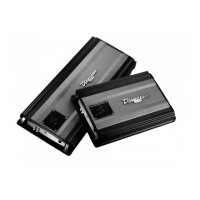
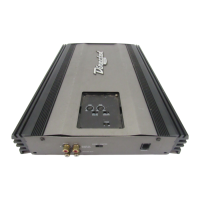
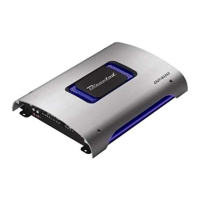
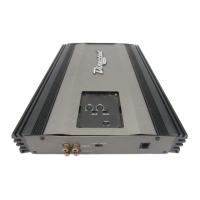
FRONT PANEL CONNECTIONS/CONTROLS A502-A404
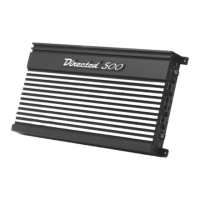
FIGURE 1—AMPLIFIER CONNECTIONS A502 FRONT



 To Next Page