14
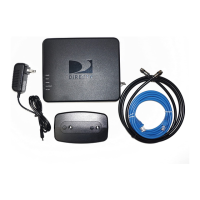
C. The POWER and Activity LEDs on the DCCK device should
light up. Wait for the POWER LED to stop flashing.
D. If you used WPS to automatically set up your wireless connection,
go to the “Completing Wireless Protected Setup” section on page 21.
Otherwise, if you cannot use WPS or are unsure if you have WPS,
go to the “Manual Wireless Setup” section on page 23 to manually
establish your wireless connection.
POWER and Activity
LEDs Light Up
direct ethernet connection



 To Next Page