21
comPleting wireless Protected setuP
IMPORTANT: If you did not use WPS to configure the DCCK device, proceed to the “Manual Wireless Setup” section
on page 23.
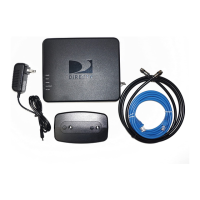
NOTE 4: The DCCK device should be powered on and connected to the DIRECTV
®
Receiver.
A. Wait 30 seconds to let the DIRECTV
®
Receiver establish a connection with the DCCK device.
B. To verify connection to the Internet, press the “MENU” button on your DIRECTV
®
Remote
Control. Select “Parental, Fav’s & Setup”, then “System Setup”, then “Network Setup”.
Then select “Connect Now” or “Repeat Network Setup”.



 To Next Page