9
Before Using Your DIRECTV
®
Sat-Go
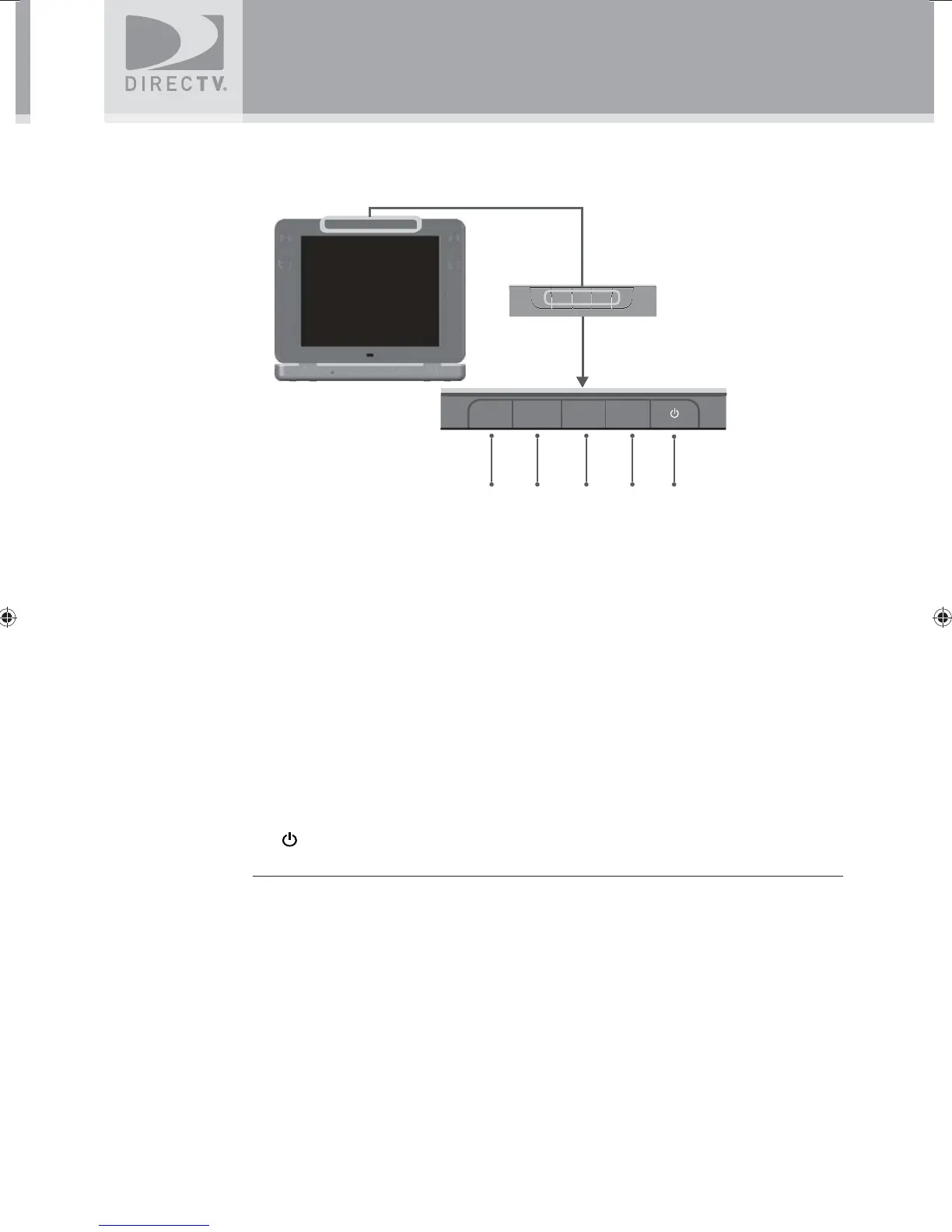
TV Display Panel
1. TV MENU
Displays the TV Menu to adjust TV settings. This menu automatically times out after a few
seconds.
2. TV INPUT / SELECT
Changes the input source, or selects the highlighted TV MENU item when the TV MENU is
on.
3. VOL -
- Decreases volume.
- Moves the highlight bar up or down to move through menu items when the TV MENU is
on.
4. VOL +
- Increases volume.
- Moves the highlight bar up or down to move through menu items when the TV MENU is
on.
5.
(POWER)
Turns the TV on or off.
TV MENU
TV INPUT/
SELECT
VOL +
VOL -
1 2
345
SatGo_03-30-07(converted).indd 9SatGo_03-30-07(converted).indd 9 5/18/07 4:48:10 PM5/18/07 4:48:10 PM



 To Next Page